


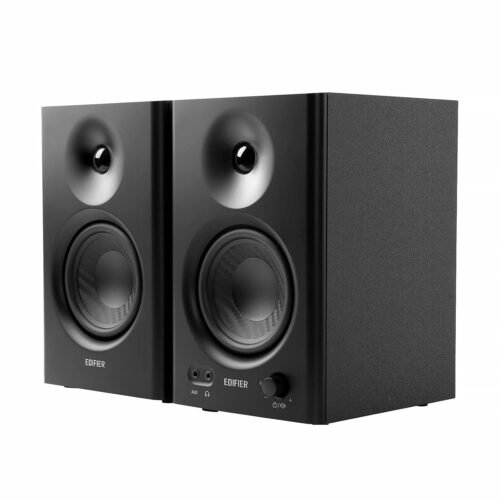




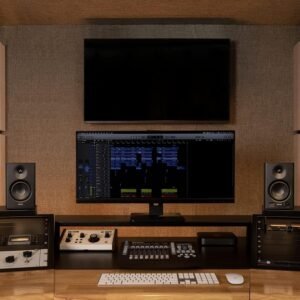



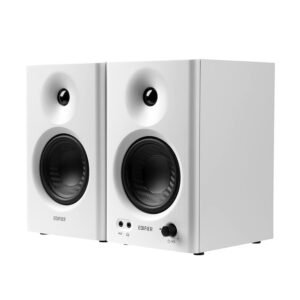
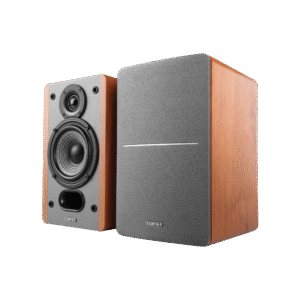
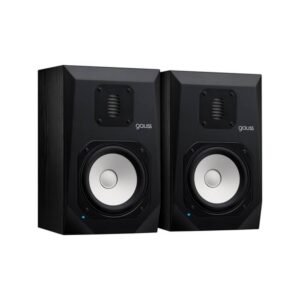


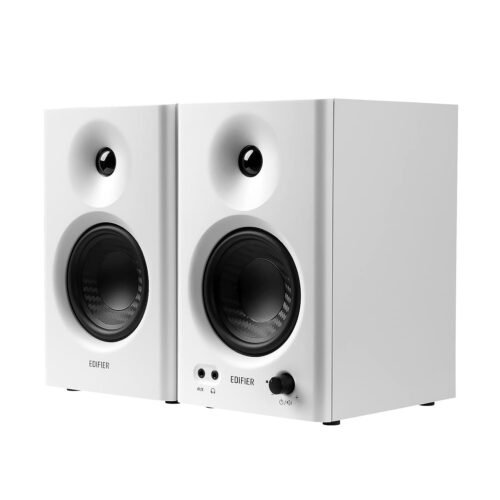
Hear your mix as it really is – on your desk, without a big budget. The Edifier MR4 is a pair of powered studio monitors (Black) with 4-inch woofers and 1-inch silk dome tweeters. Plug them into an audio interface, mixer, computer or phone and start working.
Why customers choose it
Who it is for
Home studio producers, beat makers, YouTubers and podcasters editing audio, music students, and anyone who wants clear desktop speakers for both work and music.
What’s in the box
- 1 x Edifier MR4 active (right) speaker
- 1 x Edifier MR4 passive (left) speaker
- 1 x Speaker connecting cable
- 1 x 3.5mm to RCA audio cable
- 1 x 3.5mm to 3.5mm audio cable
- 1 x User manual
Specifications
| Type | Powered (active) studio monitor pair |
|---|---|
| Output power | 21W + 21W RMS |
| Frequency response | 60 Hz – 20 kHz |
| Signal-to-noise ratio | ≥ 85 dB(A) |
| Drivers | 1-inch silk dome tweeter + 4-inch woofer (per speaker) |
| Inputs | TRS balanced (6.35 mm), RCA, AUX (3.5 mm) |
| Headphone output | Front panel |
| Amplifier | Class-D (TI TAS5713) with DSP |
| Cabinet | MDF wood |
| Size (W × H × D) | Active 140 × 228 × 197.5 mm; passive 140 × 228 × 184 mm |
| Net weight | 4.5 kg (pair) |
| Colour | Black |
| Woofer | 4-inch PP cone with mica |
| Dimensions | 140 x 228 x 197.5 mm (active speaker) |
Good to know
- One knob does it all: turn for volume, long-press for power, double-press to switch Monitor / Music mode.
- Plug headphones into the front jack to monitor through headphones.
- Want more bass? Edifier suggests placing the MR4 closer to a wall or corner, or adding a subwoofer.
FAQ
How do I connect the MR4 to my PC?
Use the 3.5 mm AUX input or the RCA input from your computer’s sound output. For an audio interface or mixer, use the balanced TRS inputs.
What do the red and green lights mean?
Red is Monitor mode, green is Music mode.



 Talk to Suhavi
Reviews
There are no reviews yet.