-10%

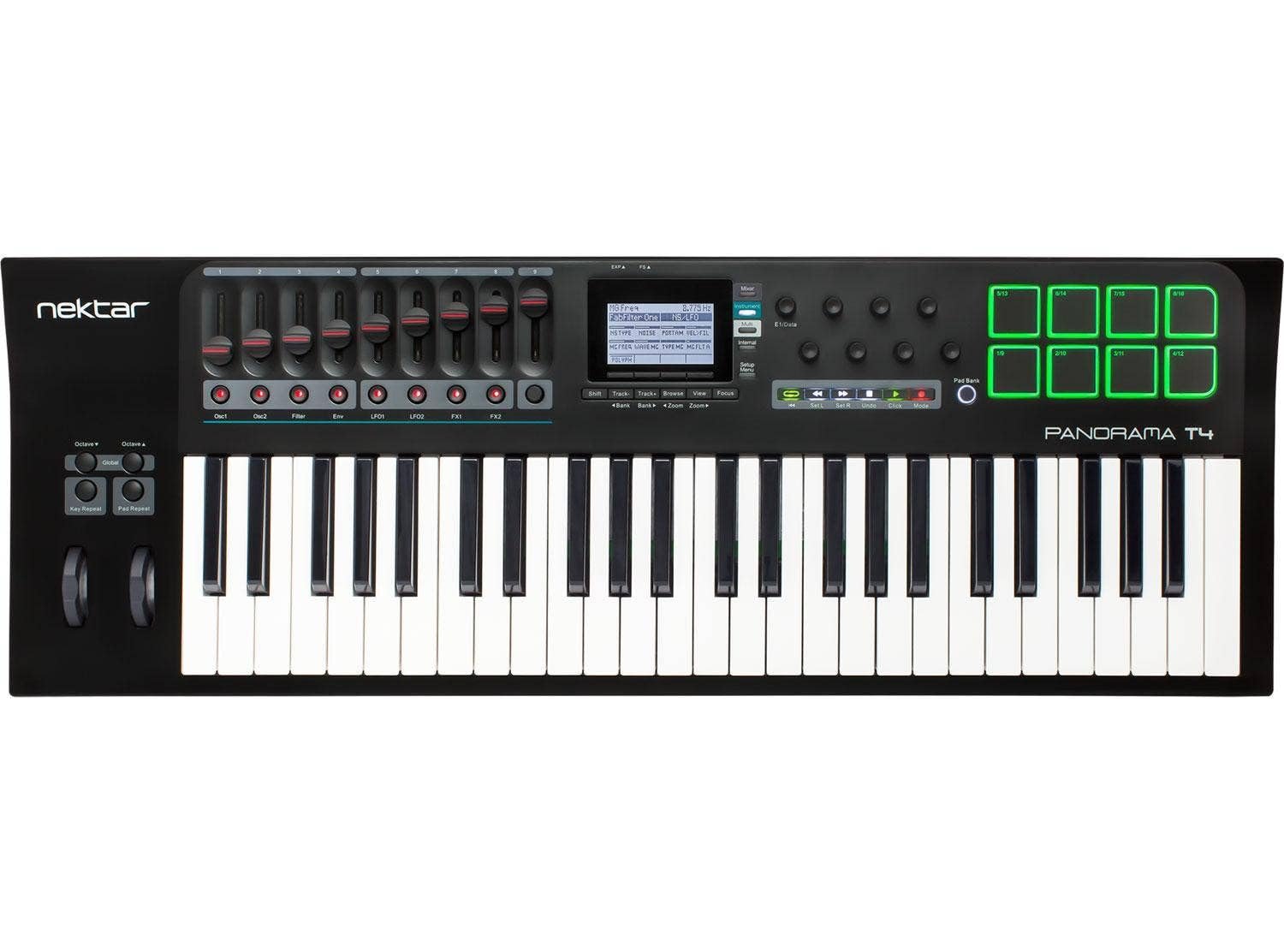
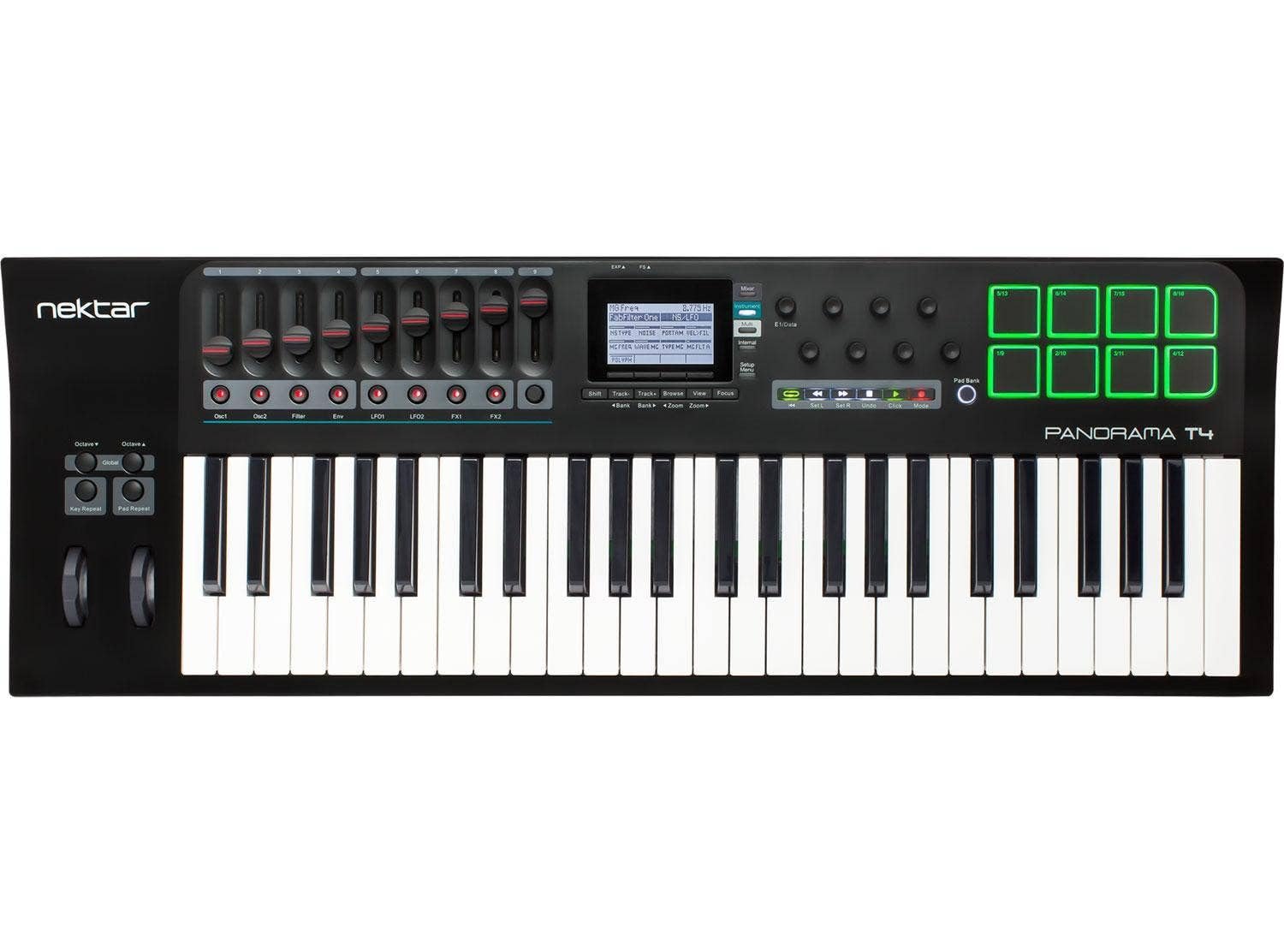
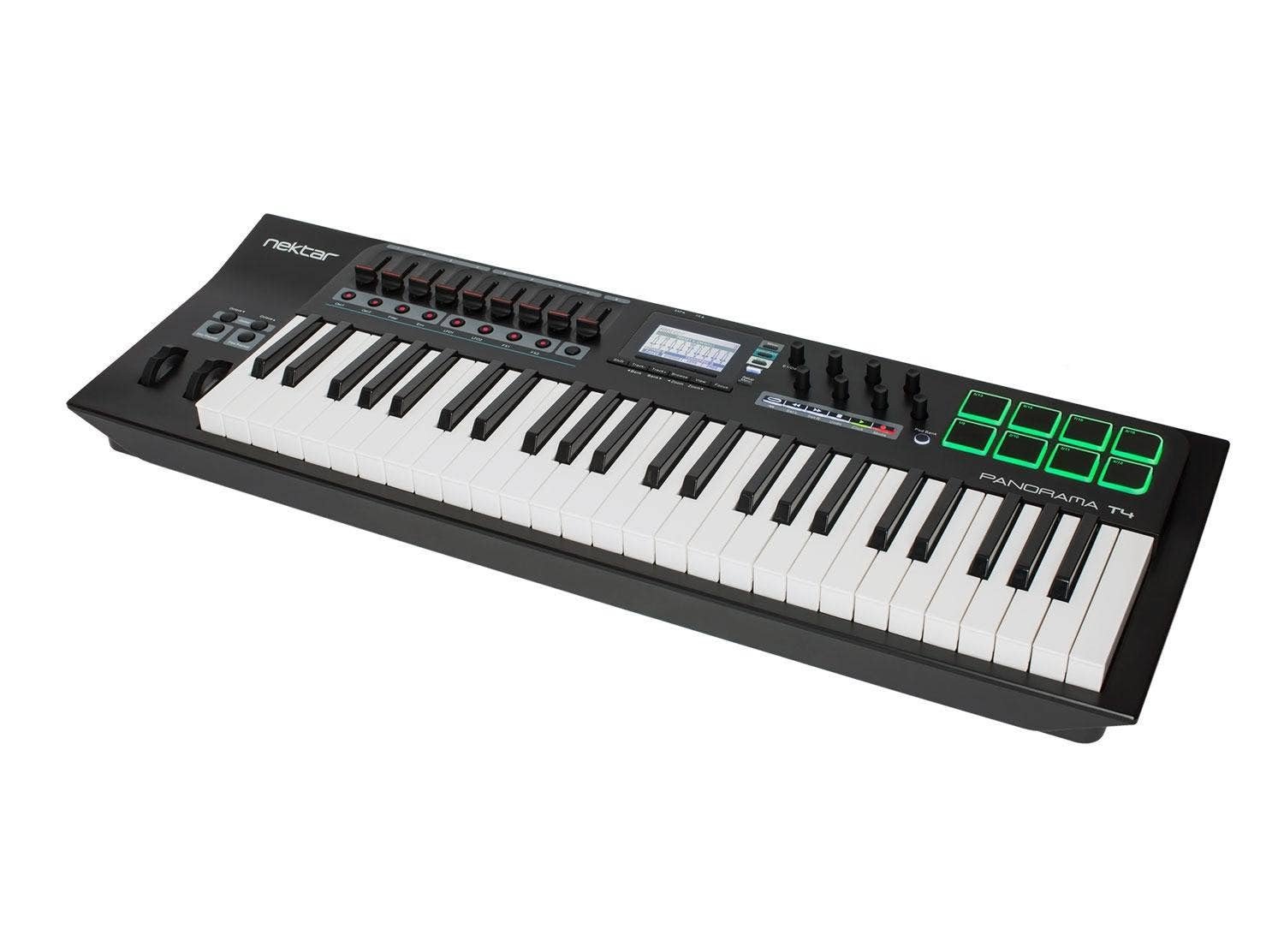
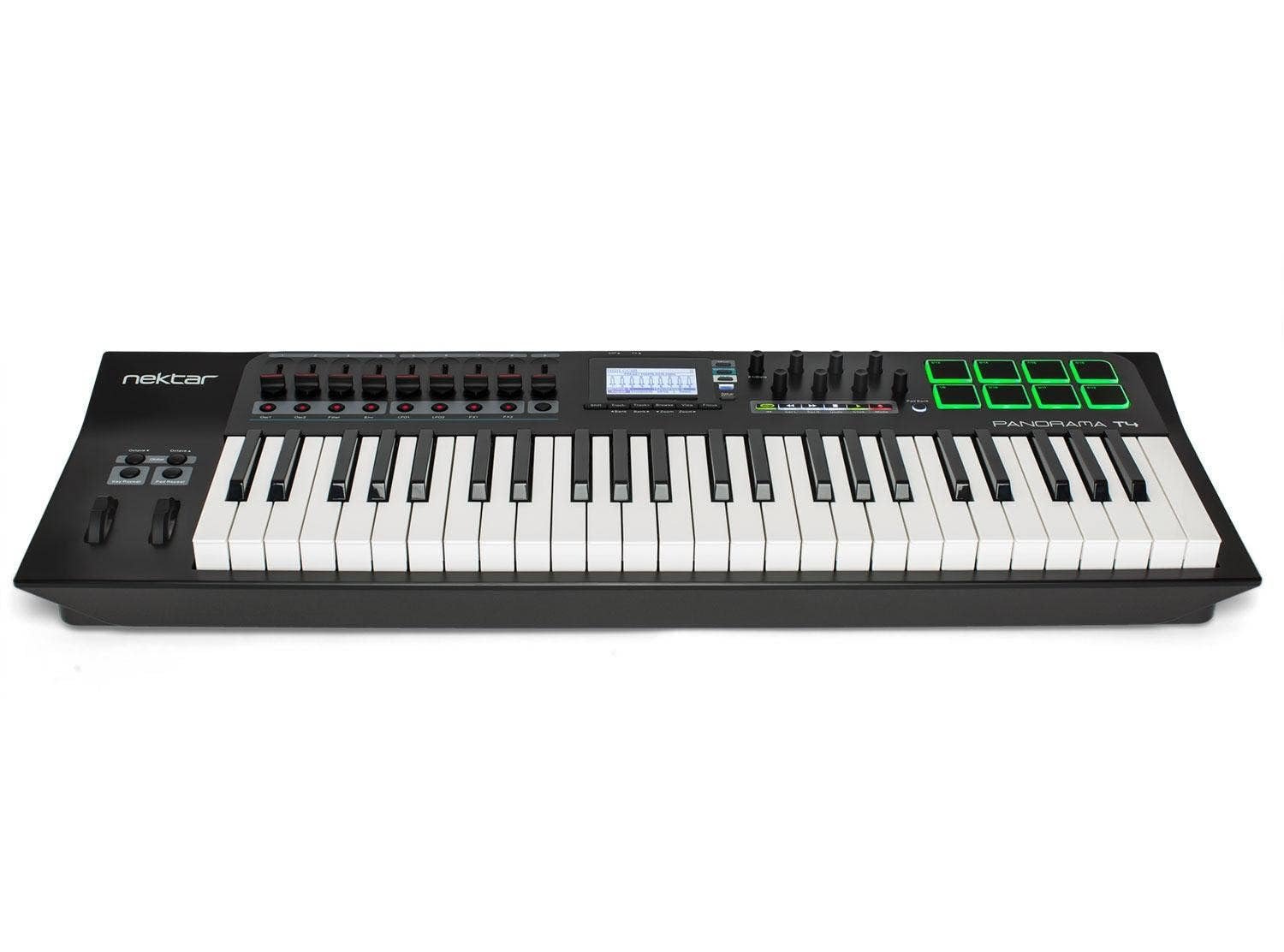
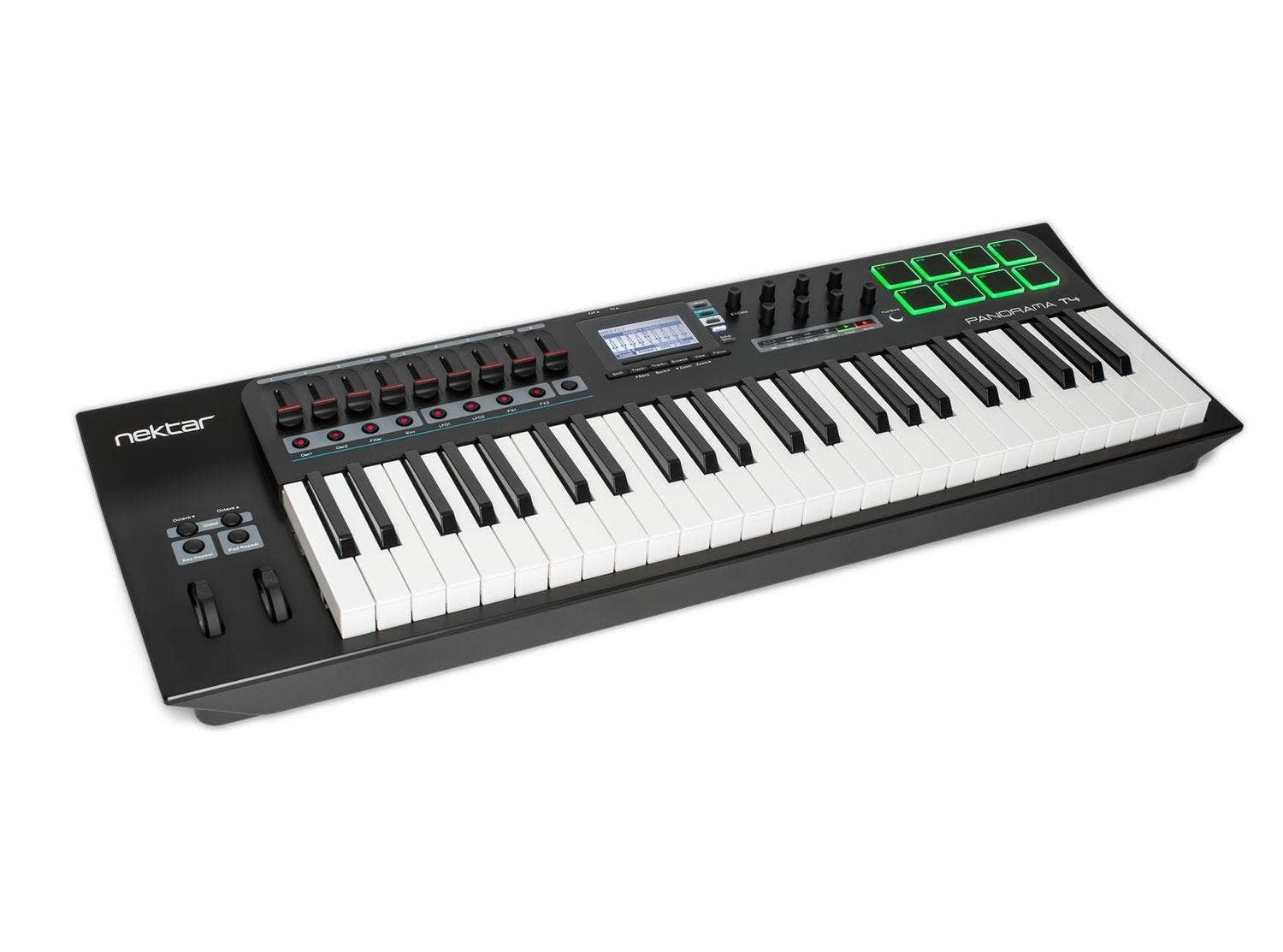
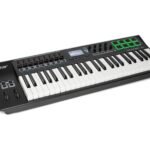
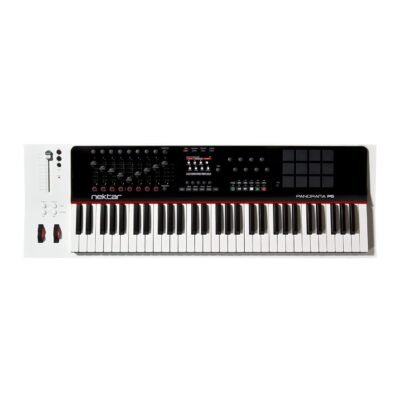
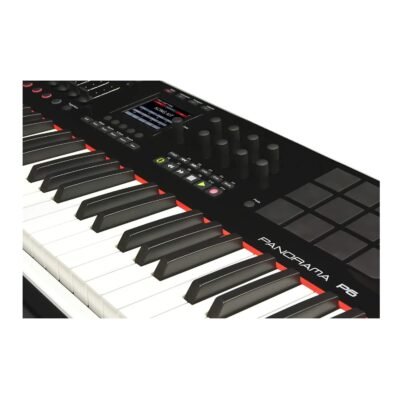
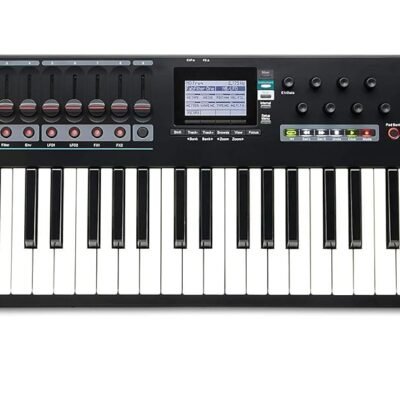
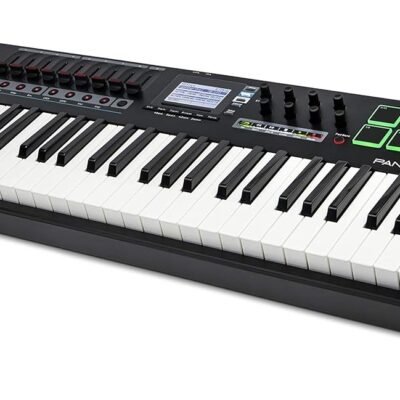
Nektar Panorama T4 49 Keys MIDI Controller Keyboard

Brand:  Nektar
SKU: SM-5803

Product Highlights

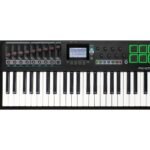
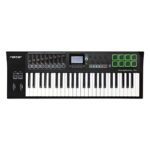
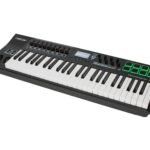
  • 49 note 2nd Gen synth-action keyboard with aftertouch. Expression & pedal sockets. 8 super-sensitive pads with pressure.
  • Inspiring performance tool Real-time control of trigger rate, accent, swing and gate. Separate settings for keys and pads.
  • DAW CONTROL Nektar DAW integration for Bitwig, Cubase, GarageBand, Logic, Nuendo, Reason and Reaper. MCU compatible for control of almost any other VST/AU DAW.

Elevate your music production with the Nektar Panorama T4, a 49-key MIDI controller designed for seamless integration and expressive control. Featuring an innovative aftertouch strip and advanced chord, hold, and note repeat functions, it offers unparalleled creativity and precision. Discover how its full MCU compatibility and deep DAW integration can transform your workflow and inspire your sound.

Original price was: ₹33,500.Current price is: ₹29,990.

In stock

Estimated delivery dates: Apr 17, 2026 - Apr 21, 2026

In stock

For musicians, producers, and composers seeking a powerful yet compact MIDI controller, the Nektar Panorama T4 49 Keys MIDI Controller Keyboard offers an exceptional solution. Whether you are working in a home studio, performing live, or creating complex arrangements, this controller provides the flexibility and control you need to bring your musical ideas to life with precision and ease. The Panorama T4 is designed to streamline your workflow, allowing you to focus on creativity rather than technical limitations.

One of the standout features of the Panorama T4 is its After Touch strip, which allows for expressive control over your sound beyond simple key presses. This means you can modulate your performance in real-time, adding vibrato, filter sweeps, or other dynamic effects directly through touch sensitivity on the strip, giving your music a more organic and emotive quality. Additionally, the chord, hold, and note repeat functions open up new possibilities for live performance and composition, enabling you to trigger complex patterns and sustained notes effortlessly without needing extra hands or external gear.

The Panorama T4 is also built for seamless integration with your digital audio workstation (DAW). Thanks to its MCU (Mackie Control Universal) compatibility and dedicated Nektar DAW integration, it offers deep control over popular music software. This integration means you can manage tracks, adjust parameters, and navigate your session intuitively, drastically reducing the time spent on mouse clicks and menu diving. In effect, it transforms your MIDI controller into a true control surface, allowing for a more tactile and hands-on approach to music production.

With 49 full-sized keys, the Panorama T4 strikes the perfect balance between playability and portability. It’s large enough to handle complex melodies and basslines but compact enough to fit comfortably in most studio setups or gig bags. Connectivity is straightforward and reliable with USB technology, ensuring quick plug-and-play operation with your computer or compatible devices. The controller’s build quality reflects professional standards, designed to withstand the rigors of both studio use and live performance.

In practical terms, the Panorama T4 is ideal for keyboardists who need expressive control and producers who want to speed up their workflow. Whether you are layering synth sounds, programming drum patterns, or performing live, the chord and note repeat features save time and enhance creativity. Its DAW integration supports software like Ableton Live, Cubase, Logic Pro, and others, making it versatile across various production environments. The aftertouch strip further enhances live performance dynamics, allowing for nuanced modulation without additional controllers.

At a competitive price of ₹29,990, down from the regular ₹33,500, the Nektar Panorama T4 offers excellent value for musicians seeking a professional-grade MIDI controller. It combines essential features with advanced control options in a compact form factor, making it a smart investment for those serious about their music production and performance. With the Panorama T4, you’re not just buying a keyboard; you’re gaining a powerful creative tool that adapts to your workflow and inspires your best performances.

Choose the Nektar Panorama T4 49 Keys MIDI Controller Keyboard and experience the difference in control, expressiveness, and integration. It’s a dependable partner in your musical journey, designed to help you achieve professional results with less hassle and more inspiration.

Is the Nektar Panorama T4 compatible with all major DAWs like Ableton Live and Logic Pro?

Yes, the Panorama T4 offers deep integration with popular DAWs including Bitwig, Cubase, GarageBand, Logic Pro, Nuendo, Reason, and Reaper. It is also MCU compatible, allowing control of almost any other VST/AU DAW for a seamless workflow.

How expressive is the aftertouch strip on the Panorama T4, and what can I do with it?

The aftertouch strip is highly sensitive and allows you to add real-time modulation effects such as vibrato, filter sweeps, and dynamic expression directly through touch, enhancing your performance with organic, emotive control beyond standard key presses.

What are the dimensions and portability features of this 49-key MIDI controller?

The Panorama T4 features 49 full-sized synth-action keys and has a compact design that fits comfortably in most studio setups and gig bags, striking a perfect balance between playability and portability for both studio and live use.

Does the package include pedals or expression pedals, or do I need to buy them separately?

The controller includes expression and pedal sockets, but pedals are not included in the package. You can connect compatible expression or sustain pedals separately to enhance your performance.

How do I connect the Panorama T4 to my computer, and is it plug-and-play?

Connection is via USB, providing quick plug-and-play operation with your computer or compatible devices. No additional drivers are typically needed, so you can start using it immediately after connecting.

What care or maintenance is recommended to keep the keyboard in good condition?

To maintain your Panorama T4, keep it clean by wiping it with a dry, soft cloth. Avoid exposure to extreme temperatures or moisture, and disconnect it safely after use. Proper care ensures consistent performance and longevity.

Is the Nektar Panorama T4 compatible with all major DAWs like Ableton Live and Logic Pro?

Yes, the Panorama T4 offers deep integration with popular DAWs including Bitwig, Cubase, GarageBand, Logic Pro, Nuendo, Reason, and Reaper. It is also MCU compatible, allowing control of almost any other VST/AU DAW for a seamless workflow.

How expressive is the aftertouch strip on the Panorama T4, and what can I do with it?

The aftertouch strip is highly sensitive and allows you to add real-time modulation effects such as vibrato, filter sweeps, and dynamic expression directly through touch, enhancing your performance with organic, emotive control beyond standard key presses.

What are the dimensions and portability features of this 49-key MIDI controller?

The Panorama T4 features 49 full-sized synth-action keys and has a compact design that fits comfortably in most studio setups and gig bags, striking a perfect balance between playability and portability for both studio and live use.

Does the package include pedals or expression pedals, or do I need to buy them separately?

The controller includes expression and pedal sockets, but pedals are not included in the package. You can connect compatible expression or sustain pedals separately to enhance your performance.

How do I connect the Panorama T4 to my computer, and is it plug-and-play?

Connection is via USB, providing quick plug-and-play operation with your computer or compatible devices. No additional drivers are typically needed, so you can start using it immediately after connecting.

What care or maintenance is recommended to keep the keyboard in good condition?

To maintain your Panorama T4, keep it clean by wiping it with a dry, soft cloth. Avoid exposure to extreme temperatures or moisture, and disconnect it safely after use. Proper care ensures consistent performance and longevity.

Is the Nektar Panorama T4 compatible with all major DAWs like Ableton Live and Logic Pro?

Yes, the Panorama T4 offers deep integration with popular DAWs including Bitwig, Cubase, GarageBand, Logic Pro, Nuendo, Reason, and Reaper. It is also MCU compatible, allowing control of almost any other VST/AU DAW for a seamless workflow.

How expressive is the aftertouch strip on the Panorama T4, and what can I do with it?

The aftertouch strip is highly sensitive and allows you to add real-time modulation effects such as vibrato, filter sweeps, and dynamic expression directly through touch, enhancing your performance with organic, emotive control beyond standard key presses.

What are the dimensions and portability features of this 49-key MIDI controller?

The Panorama T4 features 49 full-sized synth-action keys and has a compact design that fits comfortably in most studio setups and gig bags, striking a perfect balance between playability and portability for both studio and live use.

Does the package include pedals or expression pedals, or do I need to buy them separately?

The controller includes expression and pedal sockets, but pedals are not included in the package. You can connect compatible expression or sustain pedals separately to enhance your performance.

How do I connect the Panorama T4 to my computer, and is it plug-and-play?

Connection is via USB, providing quick plug-and-play operation with your computer or compatible devices. No additional drivers are typically needed, so you can start using it immediately after connecting.

What care or maintenance is recommended to keep the keyboard in good condition?

To maintain your Panorama T4, keep it clean by wiping it with a dry, soft cloth. Avoid exposure to extreme temperatures or moisture, and disconnect it safely after use. Proper care ensures consistent performance and longevity.

Is the Nektar Panorama T4 compatible with all major DAWs like Ableton Live and Logic Pro?

Yes, the Panorama T4 offers deep integration with popular DAWs including Bitwig, Cubase, GarageBand, Logic Pro, Nuendo, Reason, and Reaper. It is also MCU compatible, allowing control of almost any other VST/AU DAW for a seamless workflow.

How expressive is the aftertouch strip on the Panorama T4, and what can I do with it?

The aftertouch strip is highly sensitive and allows you to add real-time modulation effects such as vibrato, filter sweeps, and dynamic expression directly through touch, enhancing your performance with organic, emotive control beyond standard key presses.

What are the dimensions and portability features of this 49-key MIDI controller?

The Panorama T4 features 49 full-sized synth-action keys and has a compact design that fits comfortably in most studio setups and gig bags, striking a perfect balance between playability and portability for both studio and live use.

Does the package include pedals or expression pedals, or do I need to buy them separately?

The controller includes expression and pedal sockets, but pedals are not included in the package. You can connect compatible expression or sustain pedals separately to enhance your performance.

How do I connect the Panorama T4 to my computer, and is it plug-and-play?

Connection is via USB, providing quick plug-and-play operation with your computer or compatible devices. No additional drivers are typically needed, so you can start using it immediately after connecting.

What care or maintenance is recommended to keep the keyboard in good condition?

To maintain your Panorama T4, keep it clean by wiping it with a dry, soft cloth. Avoid exposure to extreme temperatures or moisture, and disconnect it safely after use. Proper care ensures consistent performance and longevity.

Is the Nektar Panorama T4 compatible with all major DAWs like Ableton Live and Logic Pro?

Yes, the Panorama T4 offers deep integration with popular DAWs including Bitwig, Cubase, GarageBand, Logic Pro, Nuendo, Reason, and Reaper. It is also MCU compatible, allowing control of almost any other VST/AU DAW for a seamless workflow.

How expressive is the aftertouch strip on the Panorama T4, and what can I do with it?

The aftertouch strip is highly sensitive and allows you to add real-time modulation effects such as vibrato, filter sweeps, and dynamic expression directly through touch, enhancing your performance with organic, emotive control beyond standard key presses.

What are the dimensions and portability features of this 49-key MIDI controller?

The Panorama T4 features 49 full-sized synth-action keys and has a compact design that fits comfortably in most studio setups and gig bags, striking a perfect balance between playability and portability for both studio and live use.

Does the package include pedals or expression pedals, or do I need to buy them separately?

The controller includes expression and pedal sockets, but pedals are not included in the package. You can connect compatible expression or sustain pedals separately to enhance your performance.

How do I connect the Panorama T4 to my computer, and is it plug-and-play?

Connection is via USB, providing quick plug-and-play operation with your computer or compatible devices. No additional drivers are typically needed, so you can start using it immediately after connecting.

What care or maintenance is recommended to keep the keyboard in good condition?

To maintain your Panorama T4, keep it clean by wiping it with a dry, soft cloth. Avoid exposure to extreme temperatures or moisture, and disconnect it safely after use. Proper care ensures consistent performance and longevity.

Is the Nektar Panorama T4 compatible with all major DAWs like Ableton Live and Logic Pro?

Yes, the Panorama T4 offers deep integration with popular DAWs including Bitwig, Cubase, GarageBand, Logic Pro, Nuendo, Reason, and Reaper. It is also MCU compatible, allowing control of almost any other VST/AU DAW for a seamless workflow.

How expressive is the aftertouch strip on the Panorama T4, and what can I do with it?

The aftertouch strip is highly sensitive and allows you to add real-time modulation effects such as vibrato, filter sweeps, and dynamic expression directly through touch, enhancing your performance with organic, emotive control beyond standard key presses.

What are the dimensions and portability features of this 49-key MIDI controller?

The Panorama T4 features 49 full-sized synth-action keys and has a compact design that fits comfortably in most studio setups and gig bags, striking a perfect balance between playability and portability for both studio and live use.

Does the package include pedals or expression pedals, or do I need to buy them separately?

The controller includes expression and pedal sockets, but pedals are not included in the package. You can connect compatible expression or sustain pedals separately to enhance your performance.

How do I connect the Panorama T4 to my computer, and is it plug-and-play?

Connection is via USB, providing quick plug-and-play operation with your computer or compatible devices. No additional drivers are typically needed, so you can start using it immediately after connecting.

What care or maintenance is recommended to keep the keyboard in good condition?

To maintain your Panorama T4, keep it clean by wiping it with a dry, soft cloth. Avoid exposure to extreme temperatures or moisture, and disconnect it safely after use. Proper care ensures consistent performance and longevity.

Is the Nektar Panorama T4 compatible with all major DAWs like Ableton Live and Logic Pro?

Yes, the Panorama T4 offers deep integration with popular DAWs including Bitwig, Cubase, GarageBand, Logic Pro, Nuendo, Reason, and Reaper. It is also MCU compatible, allowing control of almost any other VST/AU DAW for a seamless workflow.

How expressive is the aftertouch strip on the Panorama T4, and what can I do with it?

The aftertouch strip is highly sensitive and allows you to add real-time modulation effects such as vibrato, filter sweeps, and dynamic expression directly through touch, enhancing your performance with organic, emotive control beyond standard key presses.

What are the dimensions and portability features of this 49-key MIDI controller?

The Panorama T4 features 49 full-sized synth-action keys and has a compact design that fits comfortably in most studio setups and gig bags, striking a perfect balance between playability and portability for both studio and live use.

Does the package include pedals or expression pedals, or do I need to buy them separately?

The controller includes expression and pedal sockets, but pedals are not included in the package. You can connect compatible expression or sustain pedals separately to enhance your performance.

How do I connect the Panorama T4 to my computer, and is it plug-and-play?

Connection is via USB, providing quick plug-and-play operation with your computer or compatible devices. No additional drivers are typically needed, so you can start using it immediately after connecting.

What care or maintenance is recommended to keep the keyboard in good condition?

To maintain your Panorama T4, keep it clean by wiping it with a dry, soft cloth. Avoid exposure to extreme temperatures or moisture, and disconnect it safely after use. Proper care ensures consistent performance and longevity.

Is the Nektar Panorama T4 compatible with all major DAWs like Ableton Live and Logic Pro?

Yes, the Panorama T4 offers deep integration with popular DAWs including Bitwig, Cubase, GarageBand, Logic Pro, Nuendo, Reason, and Reaper. It is also MCU compatible, allowing control of almost any other VST/AU DAW for a seamless workflow.

How expressive is the aftertouch strip on the Panorama T4, and what can I do with it?

The aftertouch strip is highly sensitive and allows you to add real-time modulation effects such as vibrato, filter sweeps, and dynamic expression directly through touch, enhancing your performance with organic, emotive control beyond standard key presses.

What are the dimensions and portability features of this 49-key MIDI controller?

The Panorama T4 features 49 full-sized synth-action keys and has a compact design that fits comfortably in most studio setups and gig bags, striking a perfect balance between playability and portability for both studio and live use.

Does the package include pedals or expression pedals, or do I need to buy them separately?

The controller includes expression and pedal sockets, but pedals are not included in the package. You can connect compatible expression or sustain pedals separately to enhance your performance.

How do I connect the Panorama T4 to my computer, and is it plug-and-play?

Connection is via USB, providing quick plug-and-play operation with your computer or compatible devices. No additional drivers are typically needed, so you can start using it immediately after connecting.

What care or maintenance is recommended to keep the keyboard in good condition?

To maintain your Panorama T4, keep it clean by wiping it with a dry, soft cloth. Avoid exposure to extreme temperatures or moisture, and disconnect it safely after use. Proper care ensures consistent performance and longevity.

Tags: , ,
Brand

Nektar

Number of Keys

49

Connectivity Technology

USB

Special Feature

AfterTouch strip, Chord, hold and note repeat functions, MCU compatibility, Nektar DAW integration

Model Name

Panorama T4