Shopping Cart (0)
Close

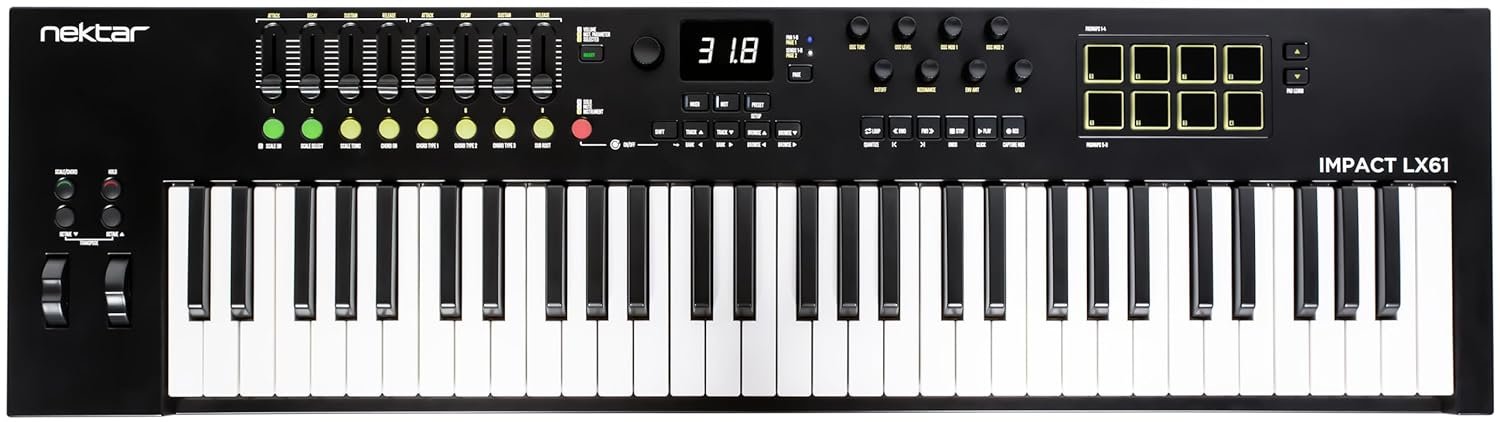
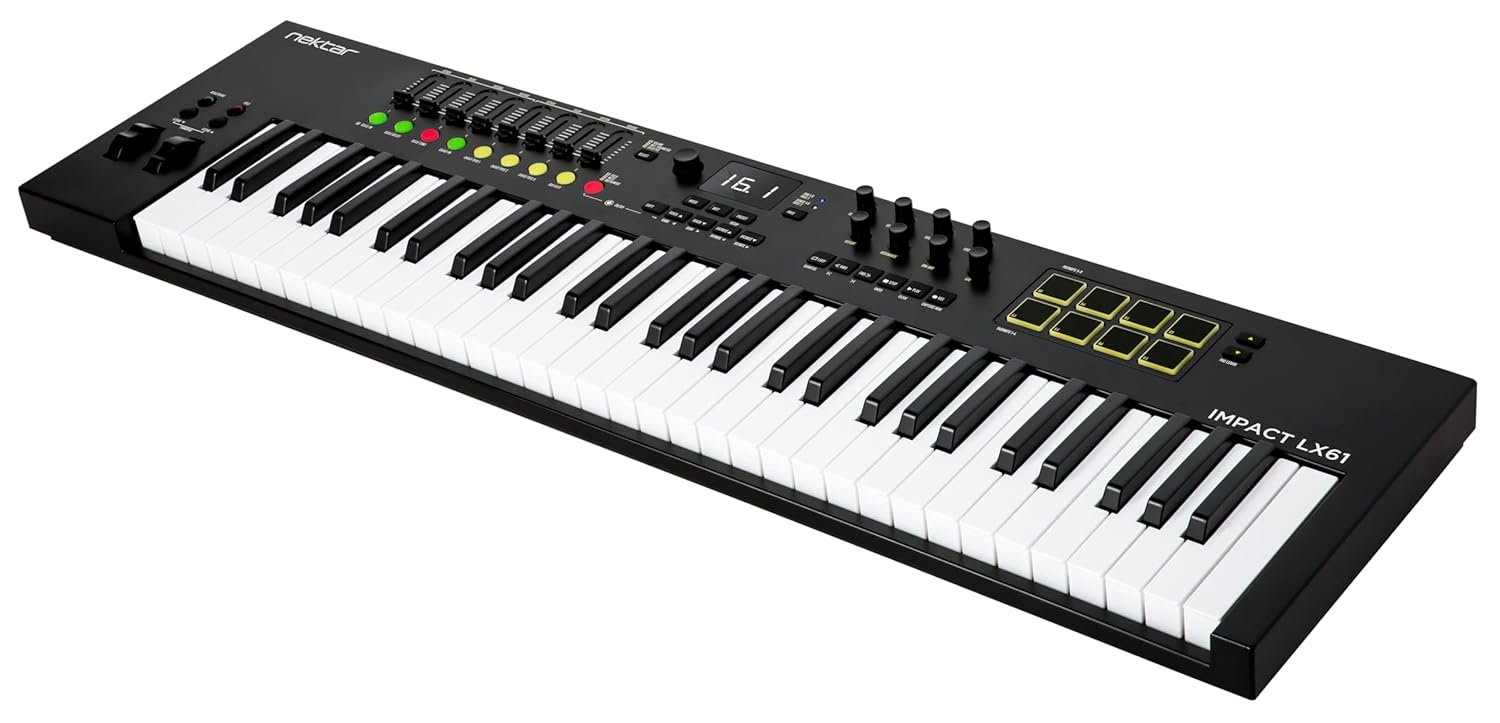
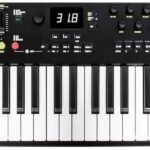
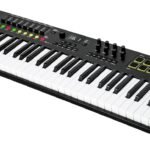
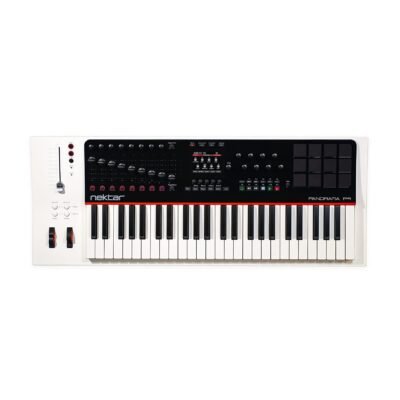
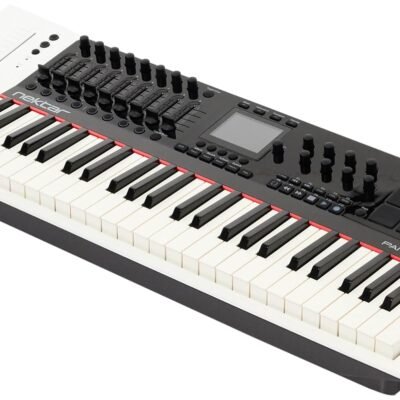
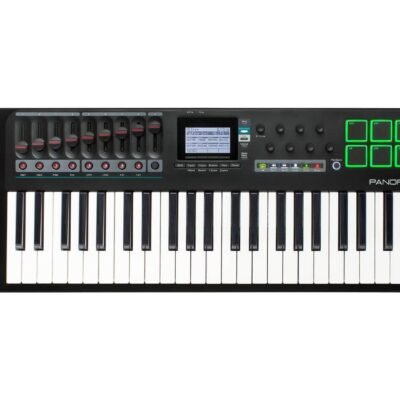
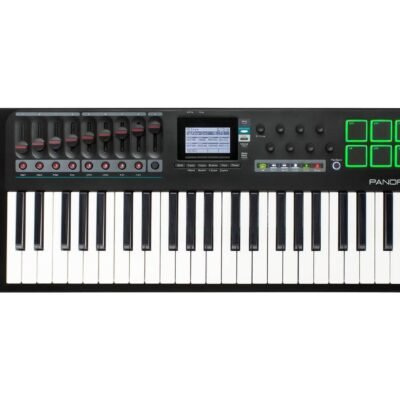
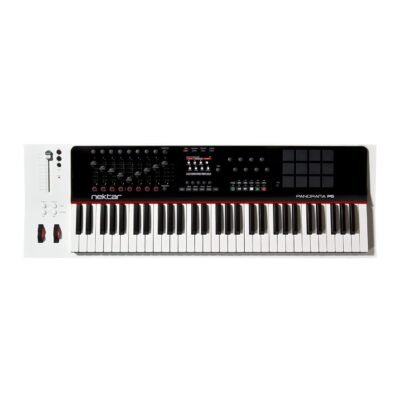
Elevate your music production with a versatile MIDI controller that offers expressive control and seamless integration. Featuring 61 velocity-sensitive synth action keys and intuitive faders and encoders, this controller ensures precise performance and dynamic expression. Discover how its comprehensive display feedback and responsive drum pads can transform your creative workflow.
Original price was: ₹23,200.₹20,990Current price is: ₹20,990.
In stock
In stock
For musicians, producers, and composers seeking a versatile and responsive MIDI controller, the Nektar Impact LX61 Mk3 offers an ideal balance of functionality and expressiveness. Whether you are crafting intricate melodies, programming dynamic drum patterns, or controlling virtual instruments with precision, this controller is designed to elevate your creative workflow. Its comprehensive feature set addresses common challenges faced in music production, such as limited control options, lack of tactile feedback, and insufficient integration with software.
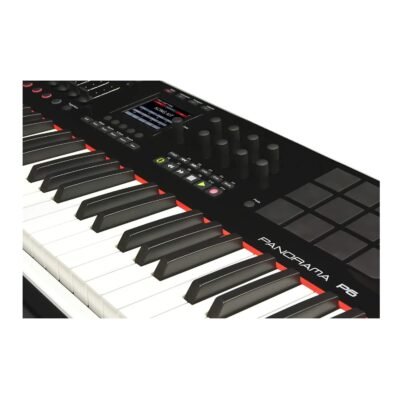
The Nektar Impact LX61 Mk3 features 61 synth-action keys that are velocity sensitive, meaning they respond to the intensity with which you play. This allows for nuanced performances, enabling you to convey emotion and dynamics with every note. The velocity-sensitive drum pads further expand your expressive capabilities by providing a responsive surface for finger drumming and triggering samples. These pads capture subtle variations in pressure, ensuring your beats and rhythms have a natural feel rather than sounding mechanical or flat.
One of the standout features is the inclusion of faders and an encoder knob, which offer hands-on control over parameters such as volume, effects, and automation within your digital audio workstation (DAW). This direct manipulation translates to a more intuitive and efficient workflow, as you can tweak sounds and mix elements without constantly reaching for the mouse or keyboard. Additionally, the display feedback feature provides real-time information about the controller’s status and parameter changes, keeping you informed and focused on your music rather than guessing or checking your screen repeatedly.
Connectivity is straightforward and reliable with USB technology, ensuring quick plug-and-play setup with most computers and DAW software. This means less time troubleshooting and more time creating. The compact yet robust design makes the Impact LX61 Mk3 suitable for both studio and live performance environments. Its 61 keys provide ample range for playing complex chords and melodies without the bulk of a full-sized keyboard, making it portable enough to take on the road or fit comfortably in smaller workspaces.
Priced at ₹20,990, down from its regular price of ₹23,200, the Nektar Impact LX61 Mk3 delivers exceptional value for musicians who require professional-grade features without breaking the bank. Its compatibility with popular DAWs and comprehensive control options make it a versatile addition to any setup, whether you are a beginner aiming to improve your skills or an experienced producer seeking a reliable MIDI controller.
In practical terms, this controller supports a wide range of music production applications, from electronic music creation to live looping and hybrid setups involving hardware synthesizers. The synth-action keys provide the tactile response necessary for keyboard-focused playing styles, while the drum pads invite experimentation with beats and rhythms. The hands-on control surface speeds up workflow, helping you capture ideas quickly and maintain creative momentum.
With the Nektar Impact LX61 Mk3 MIDI controller, you gain a powerful, expressive tool that integrates seamlessly with your digital music environment. Its thoughtful design, responsive controls, and real-time feedback make it easier to translate your musical ideas into polished productions. Invest in this controller to enhance your creative process and enjoy the confidence that comes with having professional-grade equipment at your fingertips.
Q: Will the Nektar Impact LX61 Mk3 MIDI controller work with my DAW (Ableton Live, FL Studio, Logic Pro, Cubase, etc.)?
A: Yes — the Impact LX61 Mk3 is a USB MIDI controller designed to work with most major DAWs. It offers plug-and-play USB connectivity for basic MIDI input, plus dedicated mapping templates and deeper control for many popular DAWs. For best results, connect the controller, open your DAW, select Impact LX61 as the MIDI input/control surface, and load the Nektar template (or use MIDI Learn). If you rely on DAW-specific auto-mapping, check Nektar’s website or the product page for confirmed template support for your DAW.
Q: What comes in the box when I buy the Nektar Impact LX61 Mk3?
A: The package typically includes the Nektar Impact LX61 Mk3 controller, a USB cable for computer connection, and a quick-start guide. Some sellers may include software bundles or extra accessories — confirm the exact contents on the seller’s product page before purchase.
Q: How do I set up the LX61 Mk3 with my computer for the first time?
A: Plug the included USB cable into the LX61 Mk3 and your computer (USB powers the unit). Launch your DAW, enable the Impact LX61 as a MIDI input (and as a control surface if supported), then either load the Nektar DAW template or use your DAW’s MIDI Learn to assign faders, encoder and pads. The controller’s display feedback will confirm parameter changes as you map controls.
Q: Are the keys and drum pads velocity sensitive, and how expressive are they for playing and finger drumming?
A: Yes — the LX61 Mk3 has 61 velocity-sensitive synth-action keys and velocity-sensitive drum pads. Keys respond to playing intensity for dynamic performances, and the pads capture varying pressure so finger-drummed patterns feel natural rather than mechanical. You can fine-tune sensitivity or velocity curves in your DAW if you need a firmer or softer response.
Q: How should I care for and transport the Nektar Impact LX61 Mk3 to keep it in good condition?
A: Wipe the keys, pads and surface with a dry or slightly damp (water only) microfiber cloth; avoid solvents or excess moisture. Disconnect the USB cable when not in use, keep the controller away from liquids and extreme temperatures, and transport it in a padded gig bag or case to protect the keys and encoders. Avoid stacking heavy items on top during storage.
Q: What are the main specifications of the Nektar Impact LX61 Mk3 and how much does it cost?
A: Key specs: 61 synth-action, velocity-sensitive keys; velocity-sensitive drum pads; multiple faders and an encoder knob; real-time display feedback; USB connectivity. Brand: Nektar, Model: LX61 Mk3. Current listed price: ₹20,990 (discounted from ₹23,200).
| Brand | Nektar |
|---|---|
| Number of Keys | 61 |
| Connectivity Technology | USB |
| Special Feature | Display feedback, Faders and Encoder, Synth action keys, Velocity Sensitive Drum Pad, Velocity Sensitive Key |
| Model Name | LX61 |