


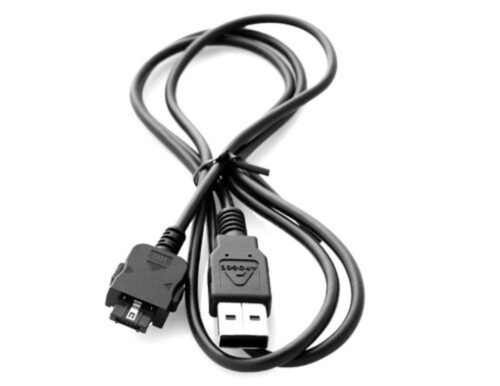


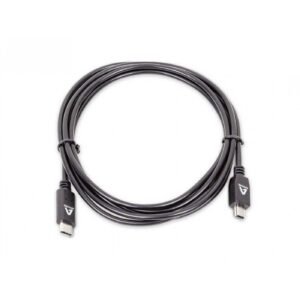
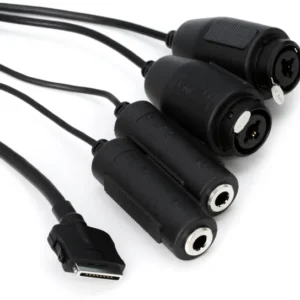

The right cable to connect your Apogee JAM or MiC to a Mac. This is the Apogee 1 m Hirose-to-USB cable (part 0485-0016-0000). Use it as a spare or replacement if your original cable is lost or damaged.
Why customers choose it
Who it is for
Owners of the Apogee JAM, JAM 96k, MiC and MiC 96k who need a spare cable for the desk, a travel bag or a second workstation, or who have lost the original.
Specifications
| Type | Hirose to USB cable |
|---|---|
| Length | 1 m |
| Part number | 0485-0016-0000 |
| Works with | Apogee JAM, JAM 96k, MiC, MiC 96k |
| Compatibility | Apogee JAM, MiC, JAM 96k, MiC 96k |
Good to know
- Not for the JAM+, which has a micro-USB connector.
- For a Mac with only USB-C ports, Apogee advises using this Hirose to USB-A cable together with Apple’s USB to USB-C adapter.
- The Hirose to Lightning cable is for iPhone and iPad, and is not the cable for a Mac.
FAQ
Will this cable work with the JAM 96k and MiC 96k?
Yes. It is listed for JAM, JAM 96k, MiC and MiC 96k.
Can I use it with a USB-C Mac?
Apogee says to add Apple’s USB to USB-C adapter to this cable for USB-C Macs.




 Talk to Suhavi
Reviews
There are no reviews yet.