Shopping Cart (0)
Close

₹26,950
In stock
In stock
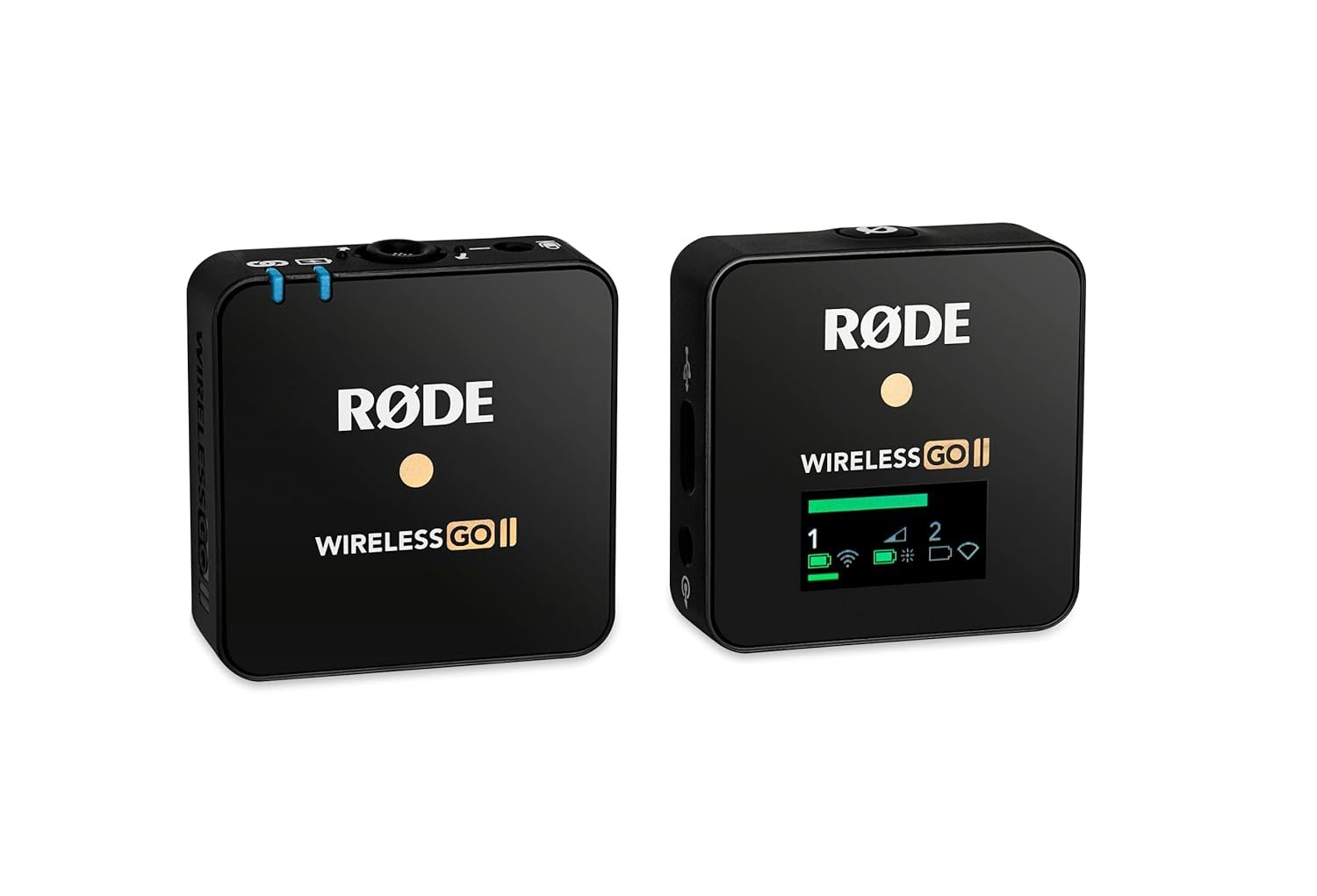
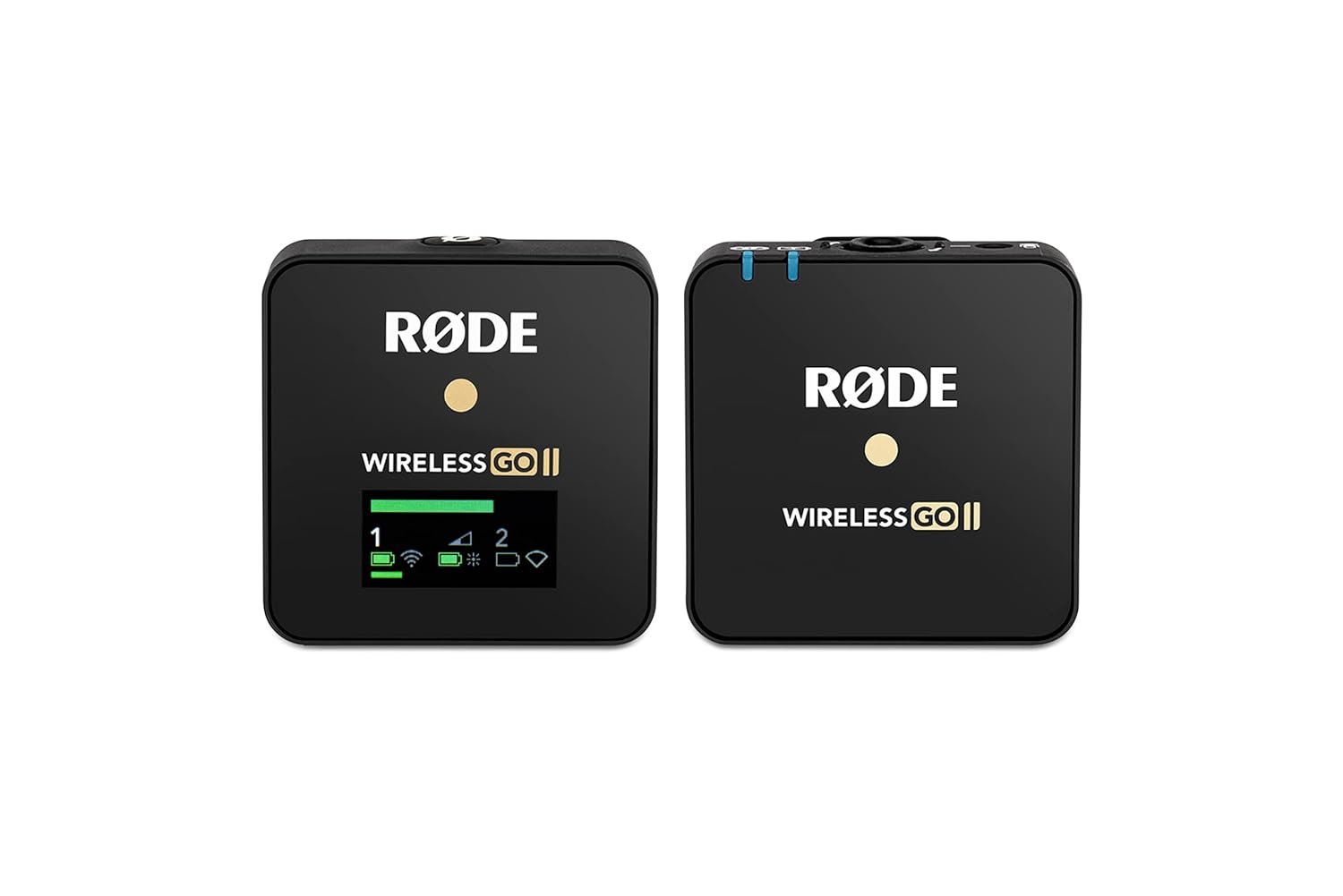
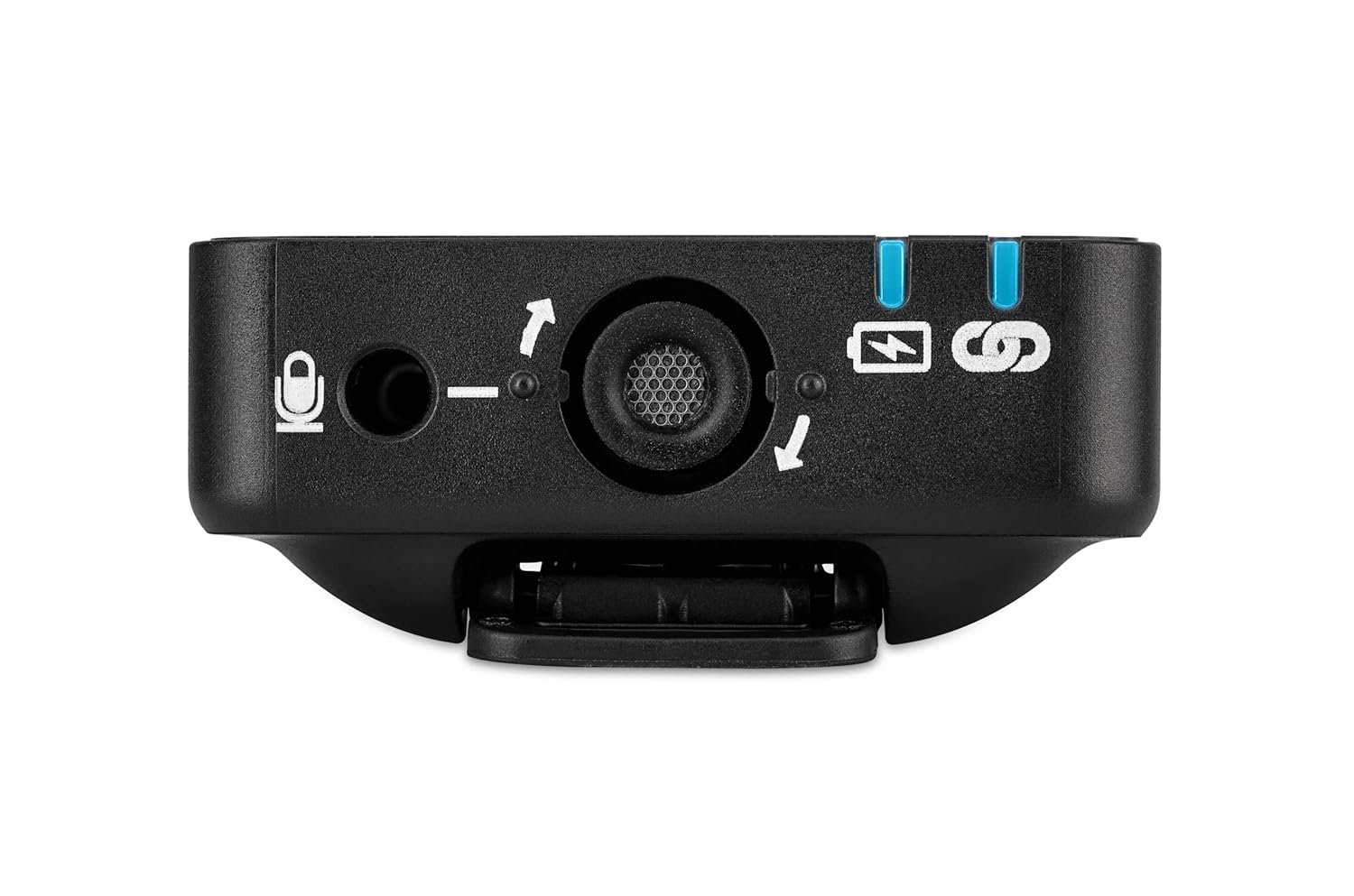
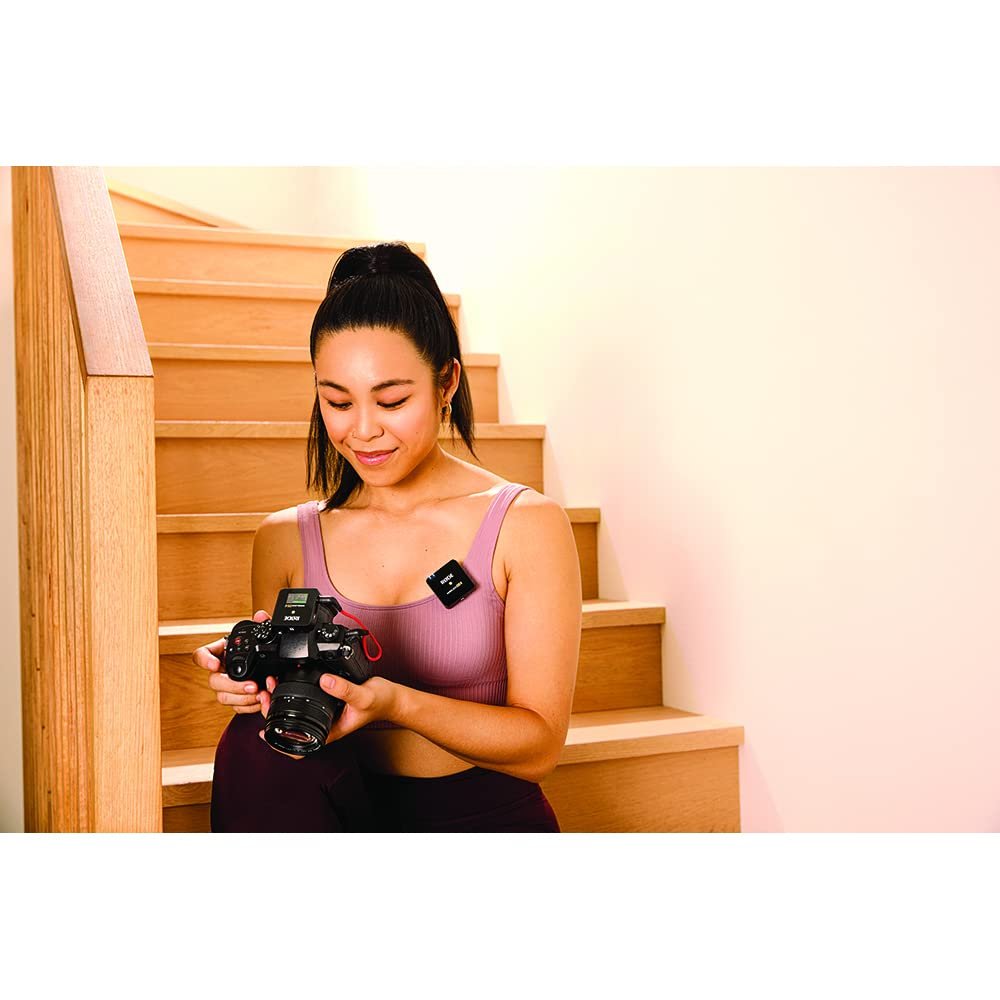
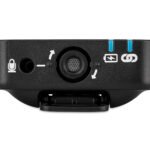
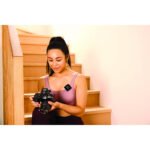
Rode Wireless Go II Single is a Compact Single-channel Wireless Mic System for Content Creators. For independent filmmakers, vloggers, streamers, and other content creators, the Rode Wireless GO II Single wireless microphone system is an amazing audio solution. The Rode Wireless GO II Single’s innovative transmitters feature built-in omnidirectional mics so you can use them as clip-on lav mics; you can also use them as a standard wireless transmitters with 1/8-inch mic inputs for your own lavalier mics. And because the receiver is ultra-compact, it easily clips to your camera’s shoe mount, your camera strap, or even your clothing. In other words, the Rode Wireless GO II Single is the ideal single-channel wireless microphone system for on-the-go content creators. The Rode Wireless GO II wireless mic system is powered by built-in batteries, rechargeable via USB-C. You can expect up to seven hours of operation from a full charge, and a handy battery saver mode ensures they won’t accidentally drain the batteries when not in use. And while the Rode Wireless GO II system is designed for short-range operation in congested RF environments, it can achieve up to 200 meters of range with direct line-of-sight.
| Weight | 0.062 kg |
|---|---|
| Dimensions | 1.9 × 4.4 × 4.6 cm |
| Is Discontinued By Manufacturer | No |
| Language | English |
| Product Dimensions | 1.9 x 4.4 x 4.6 cm; 62 g |
| Manufacturer | Rode Microphones, Rode Microphones, Rode, Rode Microphones, 107 Carnarvon St., Silverwater, NSW 2128, Australia |
| Item model number | WIGO II Single |
| Batteries | 2 Lithium Ion batteries required. |
| Studio | Rode Microphones |
| ASIN | B09PXCZ247 |
| Country of Origin | Australia |
| Packer | Rode Microphones, 107 Carnarvon St., Silverwater, NSW 2128, Australia |
| Importer | Trimac Products Private Limited, D-40, DSIIDC Packaging Complex, Kirti Nagar, Delhi 110015 email info@trimacppl.com |
| Item Weight | 62 g |
| Item Dimensions LxWxH | 19 x 44 x 46 Millimeters |
| Net Quantity | 1 Pack |
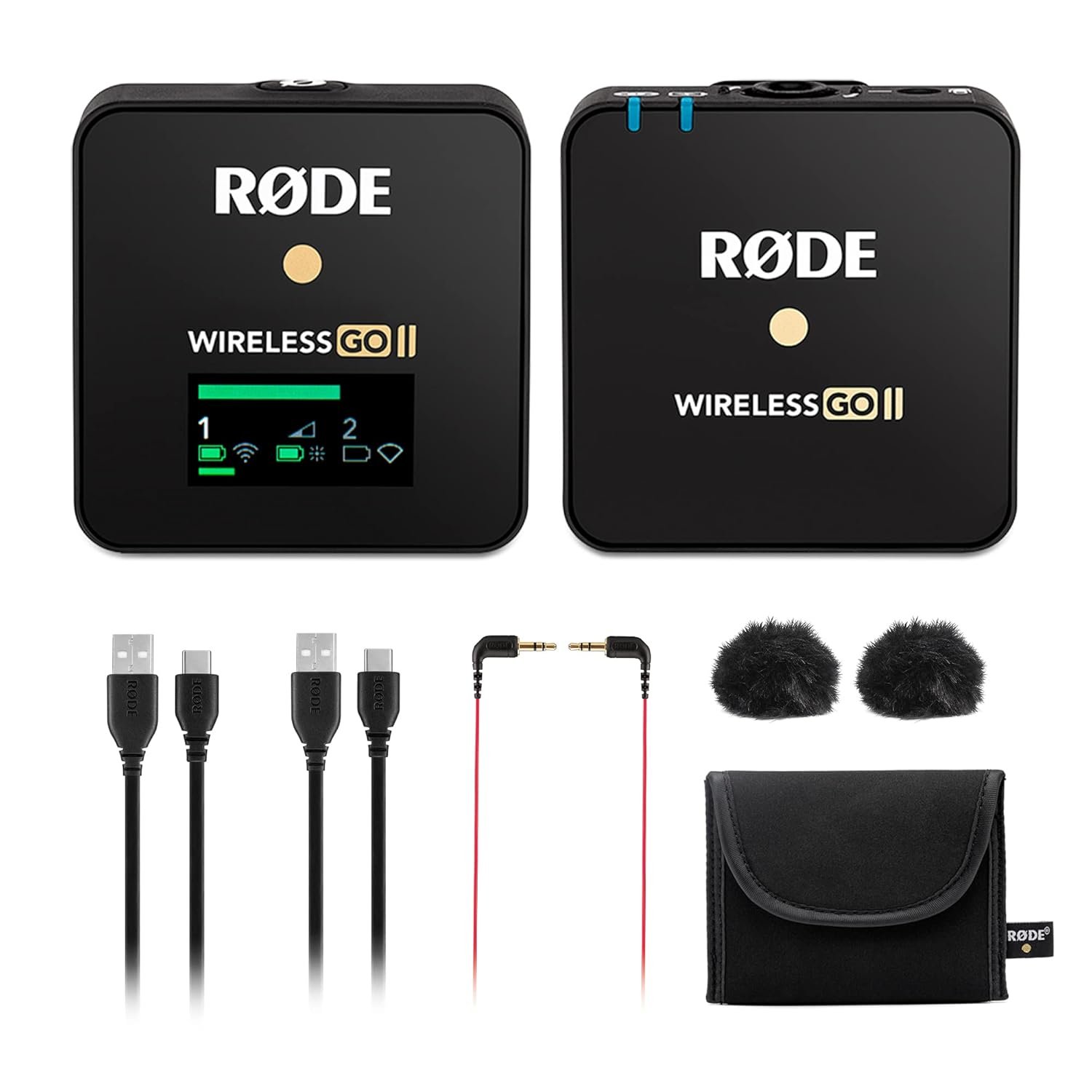
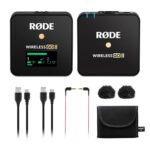
| Included Components | 1 unit Rode single-channel receiver, 1 unit Rode transmitter, 1 units Rode SC5 cable (3.5mm TRS to TRS), 2 units USB-C cables, 2 units furry windshields, 1 unit Carry Storage Pouch |
| Generic Name | Wireless |