


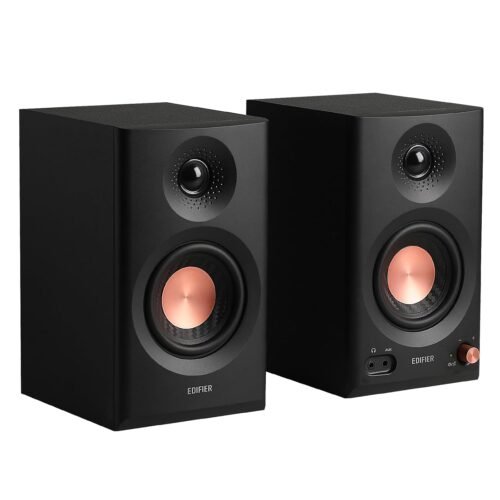
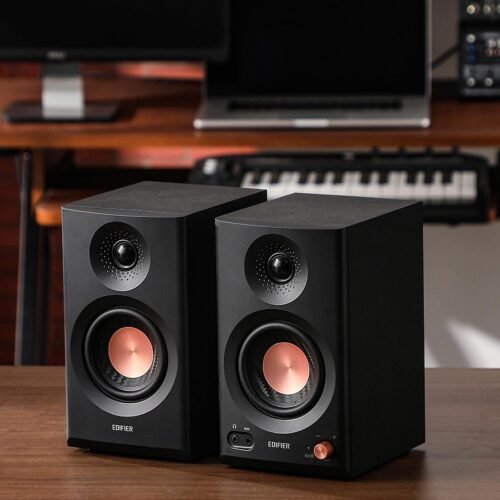
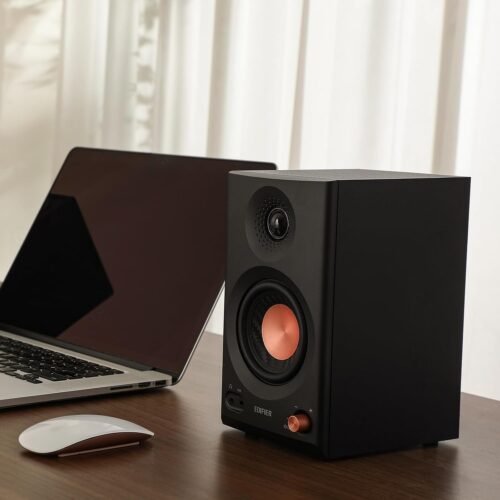
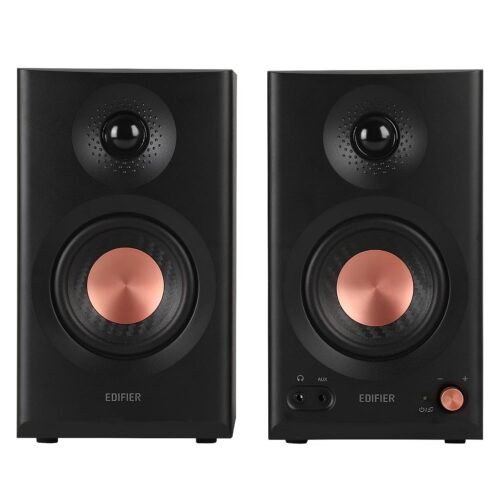
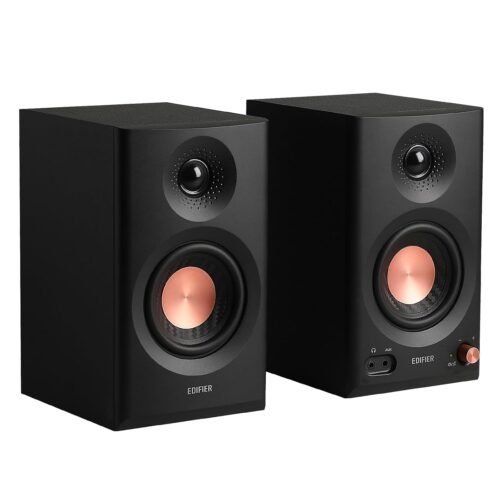
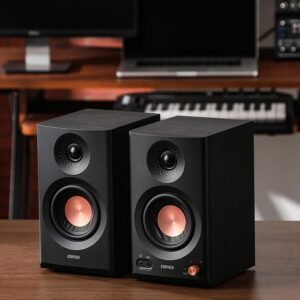
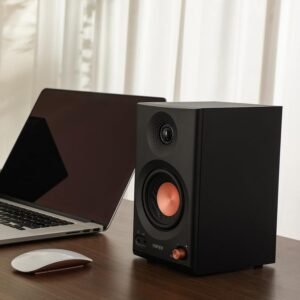
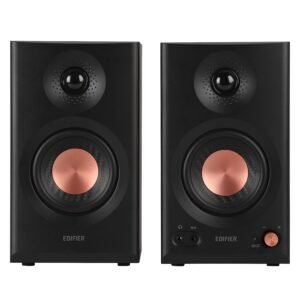
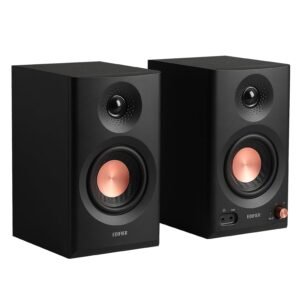


Mix, edit and listen with sound you can trust – in a speaker small enough for any desk. The Edifier MR3 (Black) is a pair of Hi-Res powered studio monitors with 3.5-inch mid-low drivers and 1-inch silk dome tweeters. Edifier made them for home studios, video editing and everyday listening.
Why customers choose it
- Flat, neutral response: 52 Hz to 40 kHz, so what you hear is what is really in the track. Dimpled tweeter waveguides keep the highs flat over a wider listening area.
- Hi-Res audio: the analog front end and the Texas Instruments Class-D amplifier work at 24-bit/96 kHz.
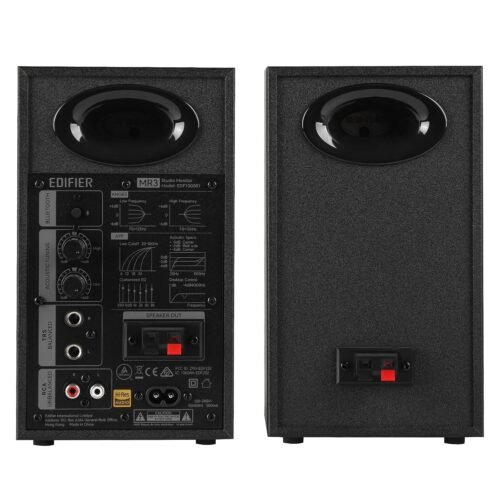
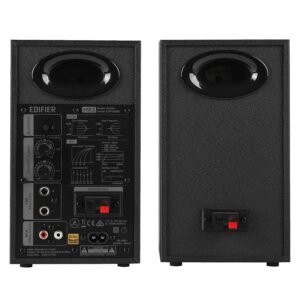
- Tune it to your room: rear “High” knob (±6 dB above 10 kHz) and “Low” knob (±6 dB around 125 Hz). The ConneX app adds Low Cutoff, Acoustic Space and Desktop Control settings.
- Enough power for a medium room: 18W + 18W RMS and 92.5 dB SPL (peak at 1 m).
- Every connection you need: balanced ¼-inch TRS for an audio interface or mixer, RCA and 3.5 mm AUX for other devices, Bluetooth V5.4 that can connect two devices at once, and a headphone output.
- Less resonance: MDF wooden cabinets.
Who it is for
Home studio producers, music students, video editors and YouTubers, podcasters, and anyone who wants accurate desktop speakers that also play music from the phone over Bluetooth.
Specifications
| Type | Powered (active) studio monitor pair |
|---|---|
| Output power | 18W + 18W RMS |
| Drivers | 3.5-inch mid-low driver + 1-inch silk dome tweeter (per speaker) |
| Frequency response | 52 Hz – 40 kHz |
| Signal-to-noise ratio | ≥ 85 dB(A) |
| Inputs | Balanced ¼-inch TRS, RCA, 3.5 mm AUX, Bluetooth |
| Input sensitivity | TRS: 1228 ± 100 mV (+4 dBu); RCA / AUX 775 ± 50 mV |
| Bluetooth | V5.4, SBC codec |
| Headphone output | ⅛-inch (3.5 mm) stereo |
| Size (W × H × D) | Active 125.5 × 220 × 185 mm; passive 125.5 × 220 × 176 mm |
| Net weight | 3.85 kg |
| Colour | Black |
Good to know
- Free Edifier ConneX app: playback control (Bluetooth), sound effects, room compensation settings and firmware updates.
- The MR3 goes into network standby after 15 minutes without playback. If you notice a delay, Edifier says to update the firmware in the app or turn network standby off (volume to 0, then double-press the volume knob).
- Two Bluetooth devices can stay connected at the same time, so switching between phone and laptop is easy.
FAQ
Can I connect it to my audio interface?
Yes. Use the balanced ¼-inch TRS inputs for an audio interface or mixer.
Is it only for studio work?
No. Edifier designed it for home studios, video editing and daily listening, and it plays music over Bluetooth V5.4.





Reviews
There are no reviews yet.