Product Description
Key Features
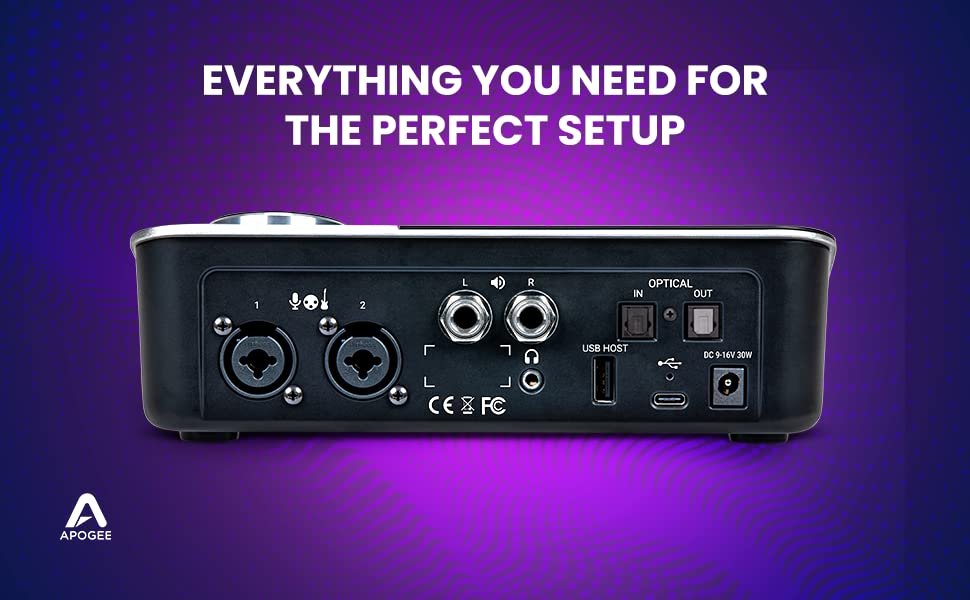
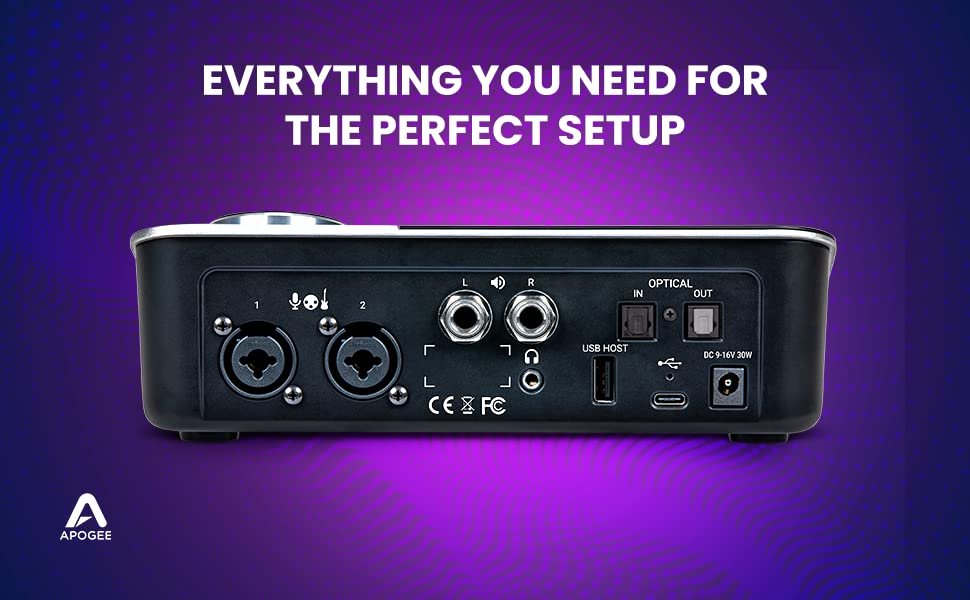
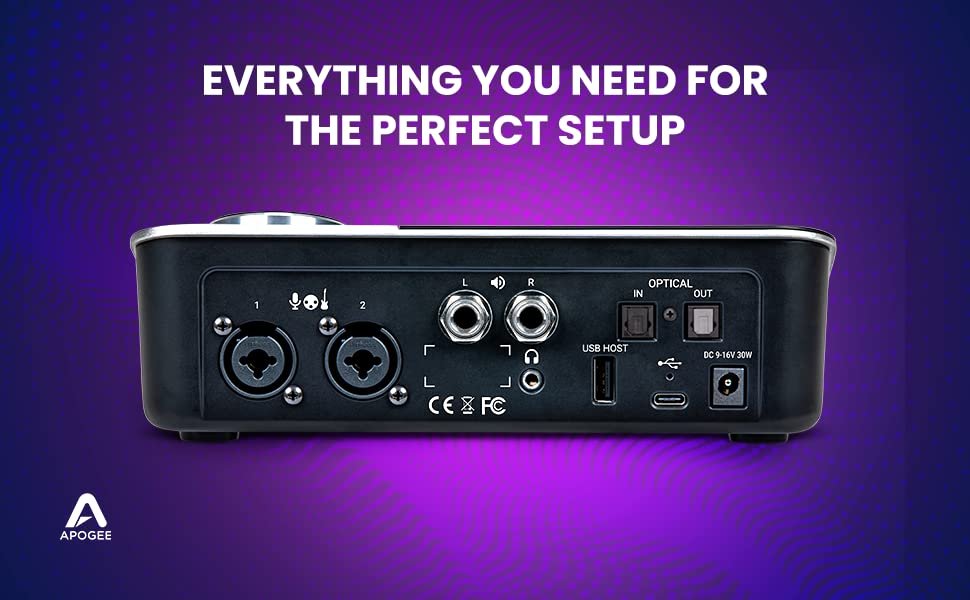
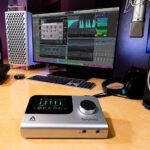
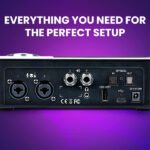
- 10×14 I/O: Symphony Desktop boasts 10 analog inputs and 14 outputs for versatile recording and mixing.
- High-Quality Preamps: Apogee’s premium preamps ensure clear and detailed audio capture.
- Sample Rates: Supports up to 192kHz sample rates for high-resolution sound production.
Symphony Desktop – STUDIO DESKTOP INTERFACE
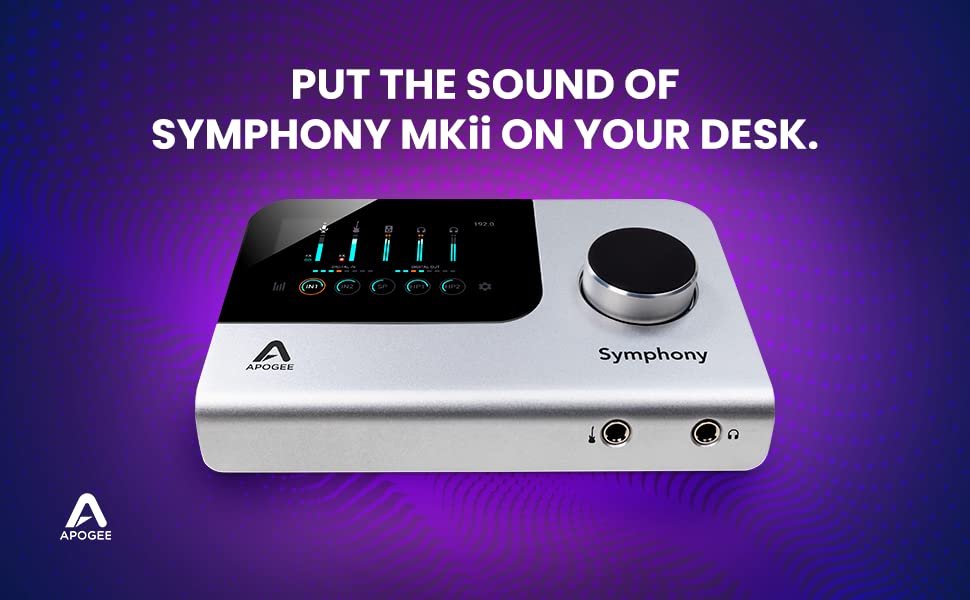
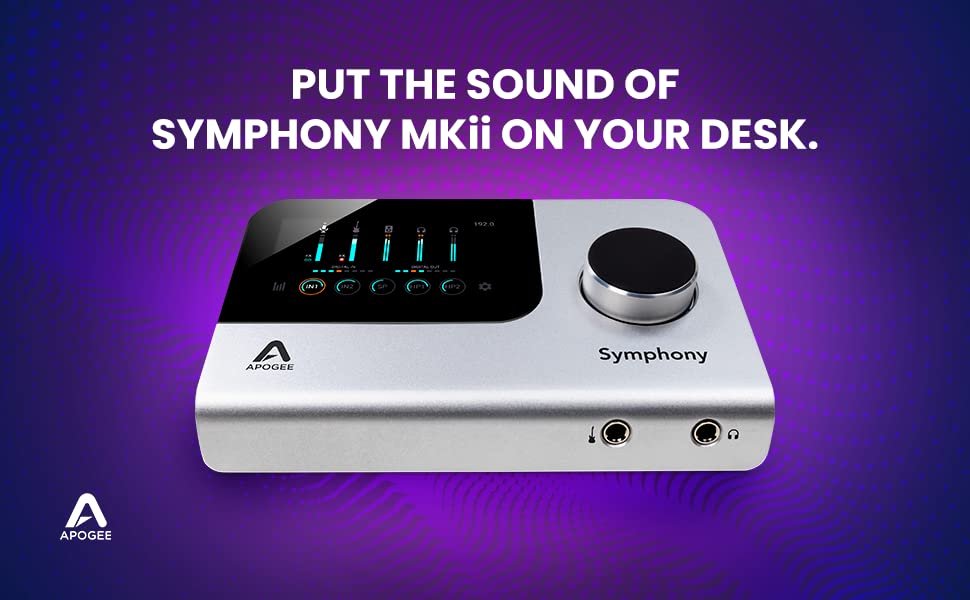
Put the Sound of a Symphony on Your Desk
Welcome to the world of unparalleled sound quality and desktop convenience with Symphony Desktop! This compact yet powerful audio interface brings you the legendary sound of Apogee’s Symphony I/O Mk II in a sleek, portable package.
- Legendary Sound Quality: Emphasize Apogee’s renowned audio quality and mention its compatibility with Symphony I/O Mk II.
- Compact and Portable: Highlight its 10×14 form factor, making it ideal for both desktop use and on-the-go setups.
- Versatile Recording: Mention its capabilities for recording, overdubbing, and mixing, showcasing its all-in-one functionality.
Simplified Setup, Flagship Sound
- Flagship Sound Quality: With Apogee’s renowned Symphony I/O Mk II conversion technology, the Symphony Desktop delivers exceptional audio quality, capturing every nuance and detail of your recordings with pristine clarity and accuracy. Musicians and producers can trust in its studio-grade performance for professional-level results.
- Vintage Preamp Emulation: The Symphony Desktop offers vintage preamp emulation through Apogee’s Alloy Preamp technology, blending analog circuitry and DSP processing to recreate classic preamp sounds. This feature adds warmth, character, and depth to your recordings, giving them a timeless and professional sonic signature.
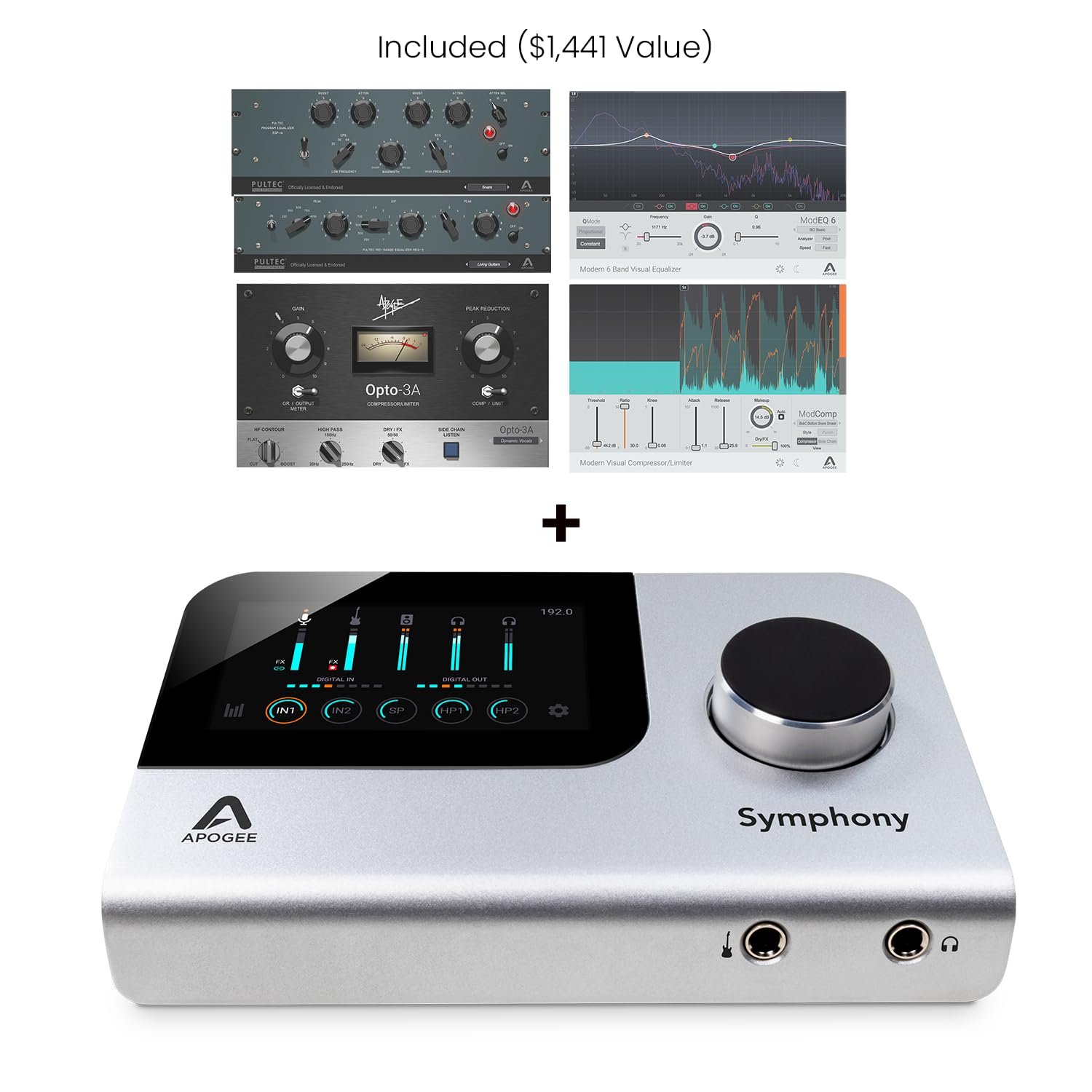
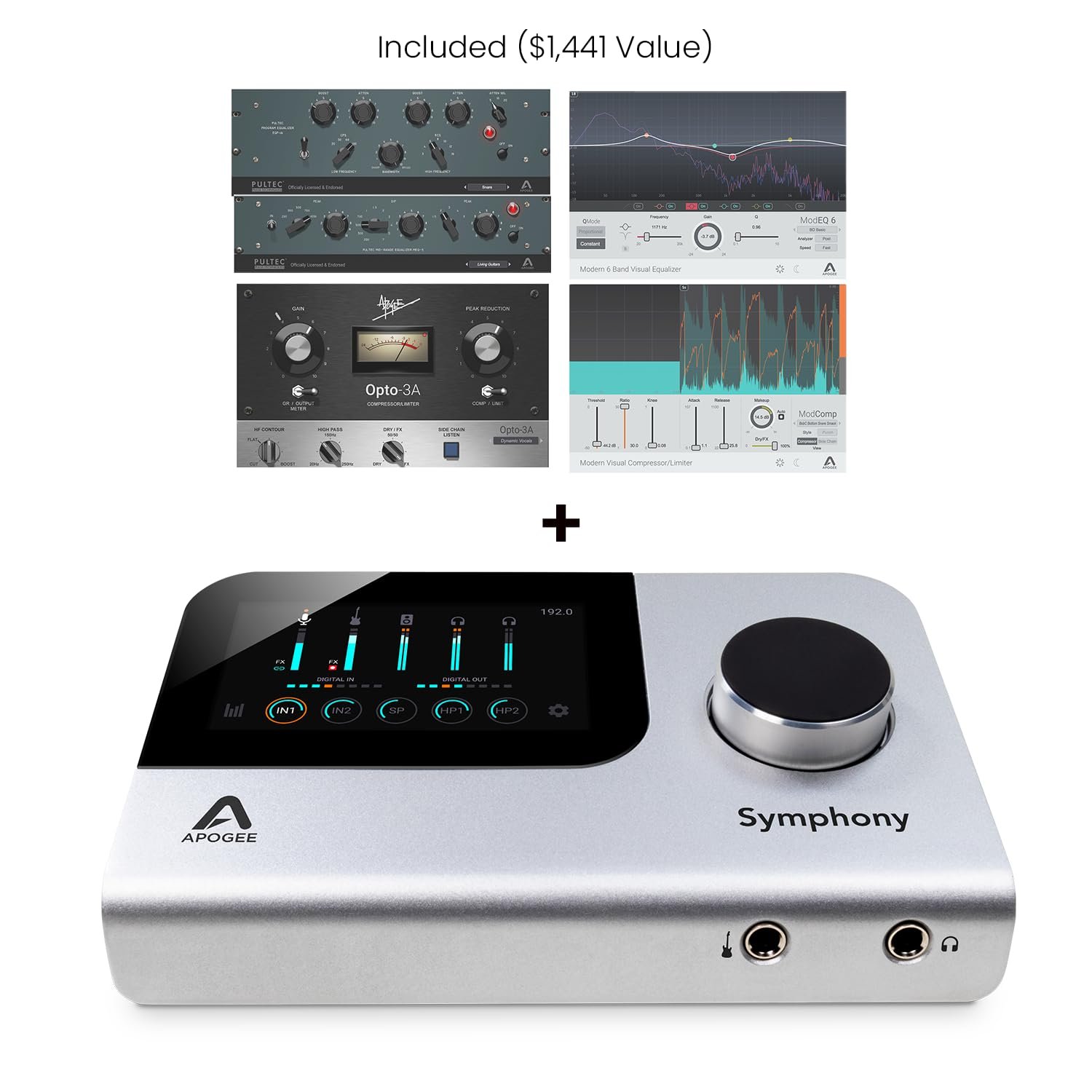
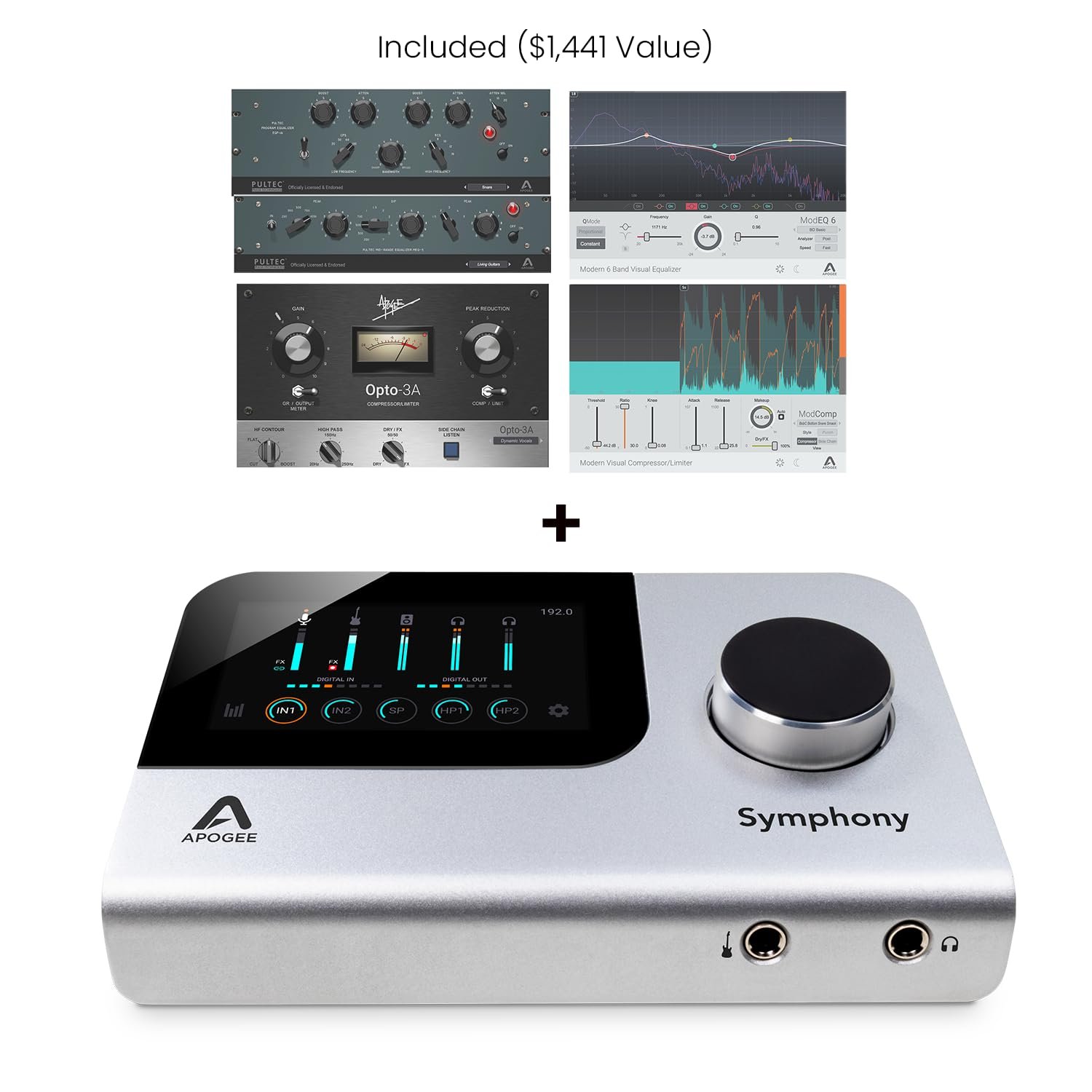
- Hardware DSP with Premium Native Plugins: Experience the power of hardware DSP acceleration combined with premium native plugins, providing you with a vast array of processing options to sculpt your sound. Whether you need dynamics processing, EQ, reverb, or other effects, Symphony Desktop offers versatile tools for creative expression.
Mix without the Mouse
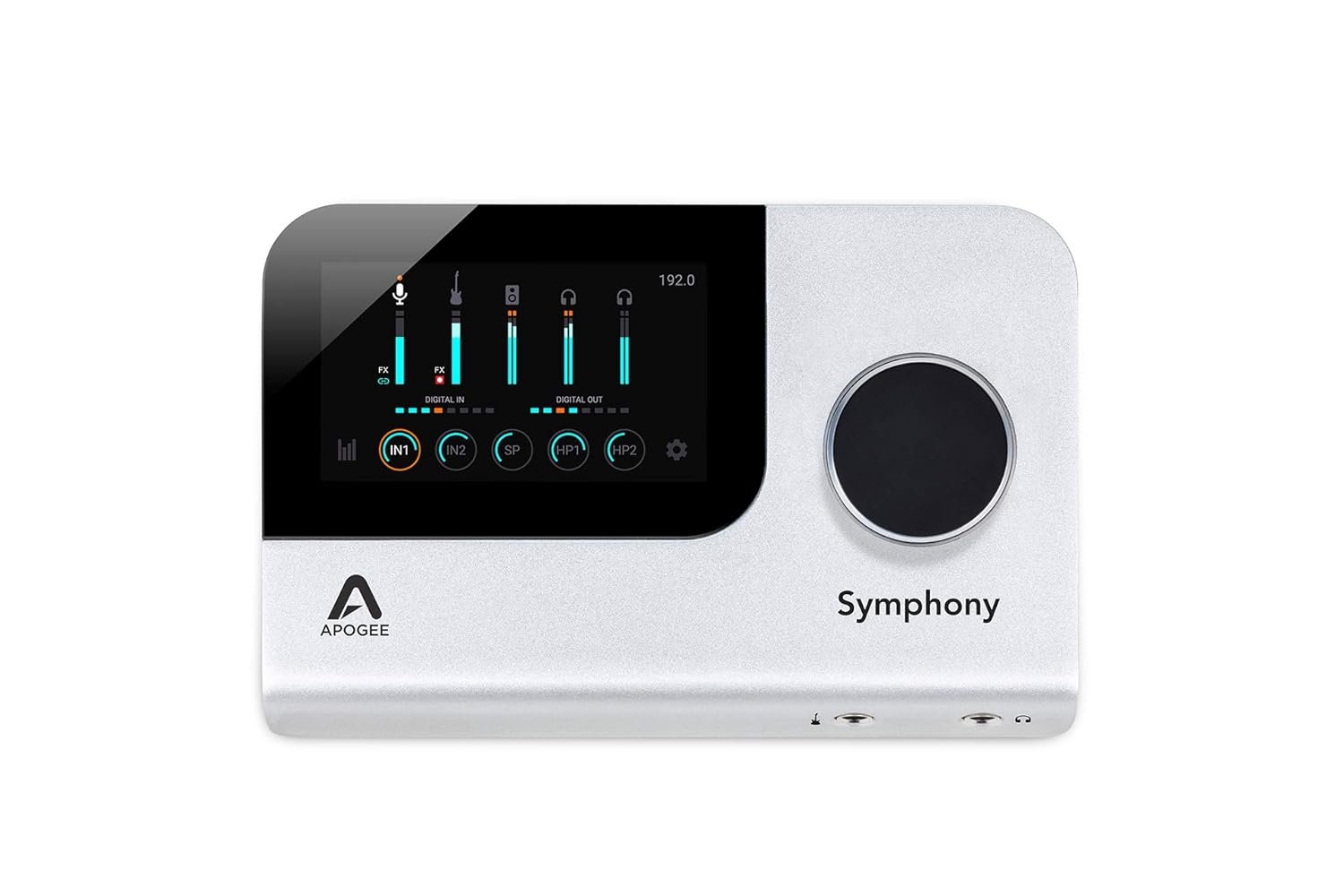
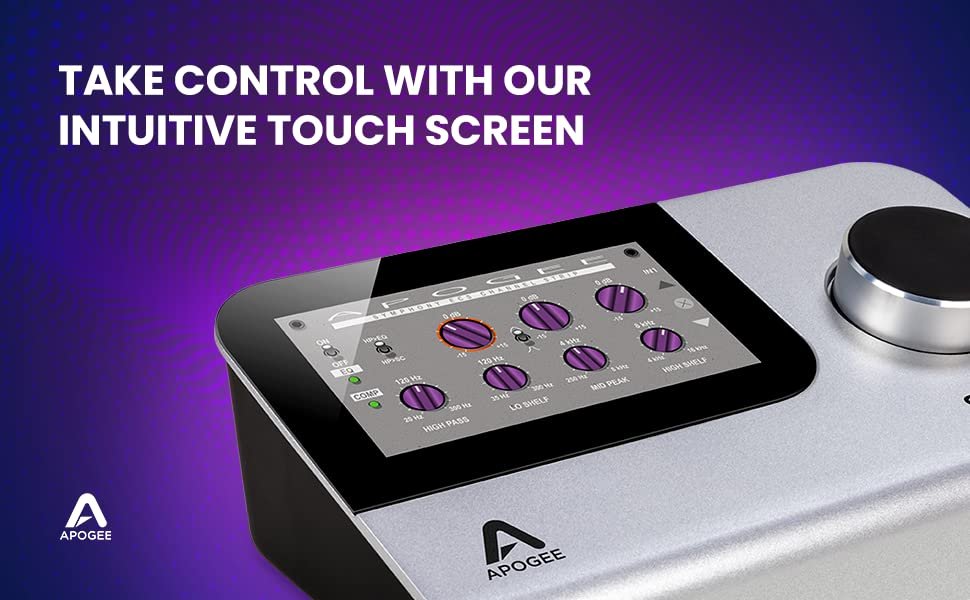
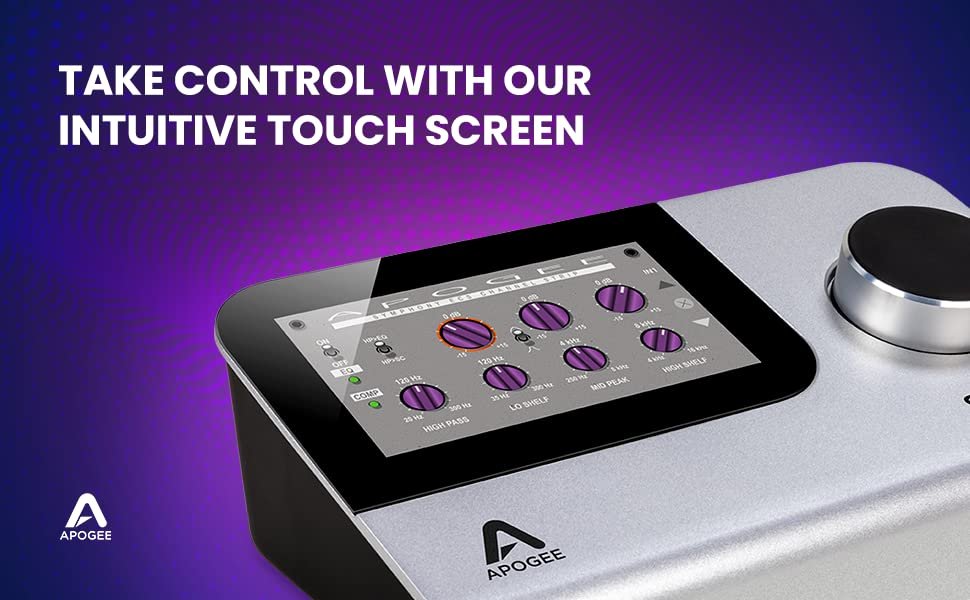
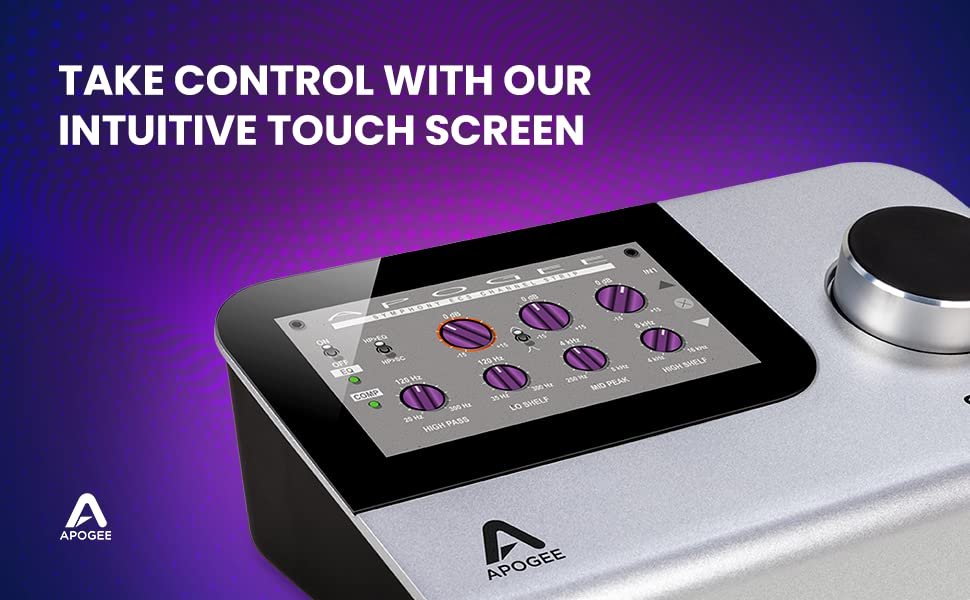
- Immersive Touch Screen Interface: The interface features an intuitive touch screen that allows for easy navigation and control of settings. This immersive interface enhances your workflow by providing quick access to essential functions, plugin parameters, and preset management, streamlining your recording and mixing process.
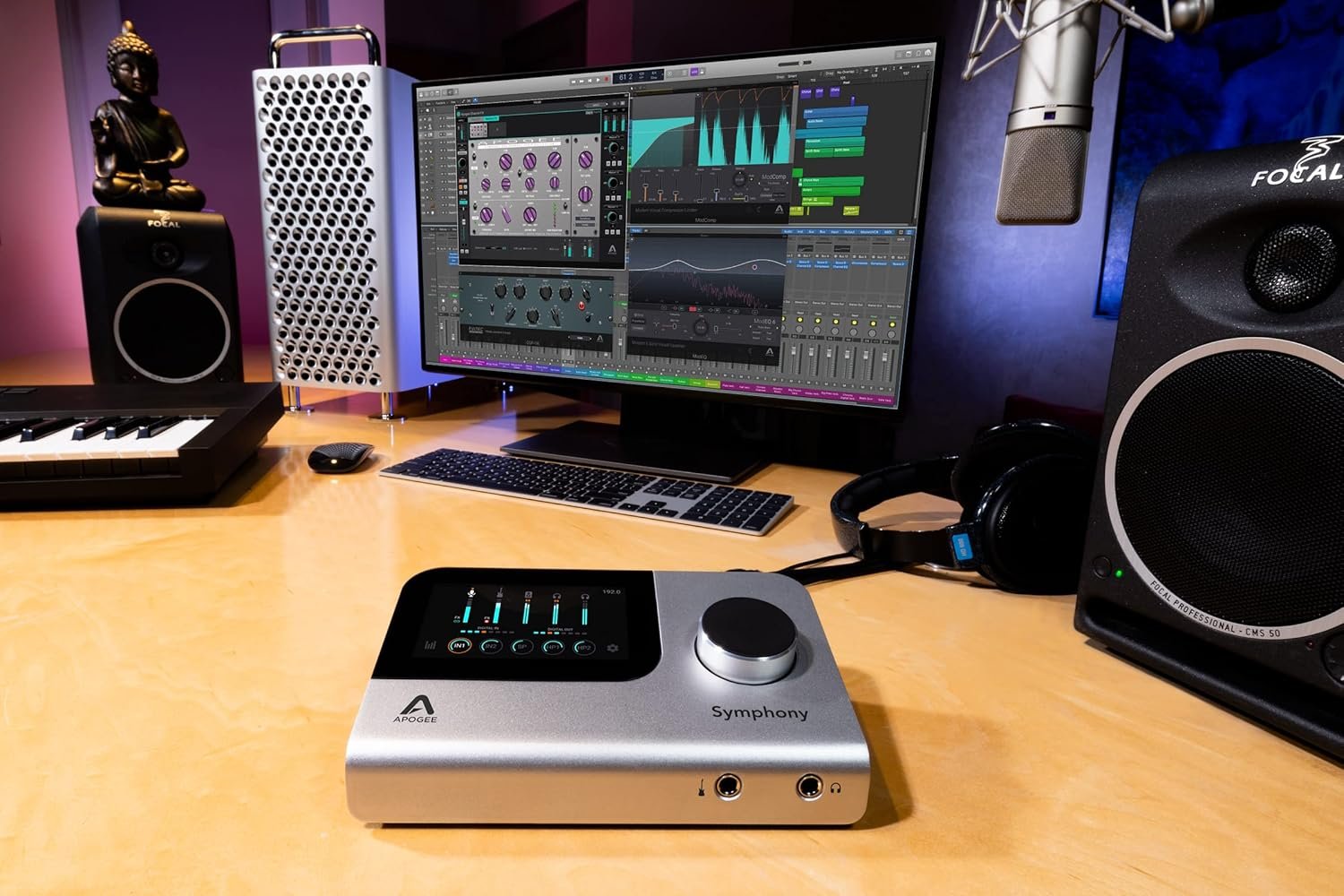
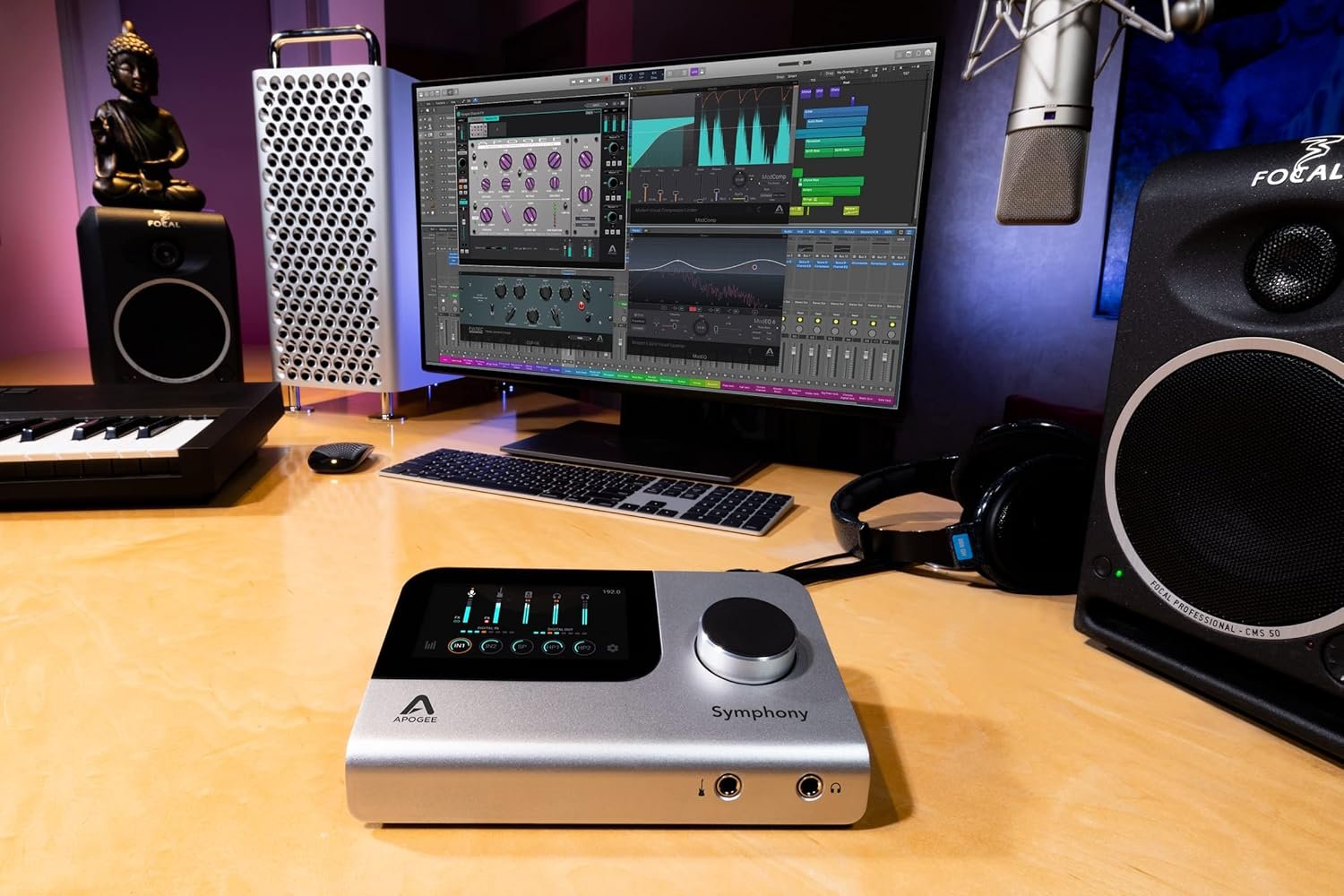
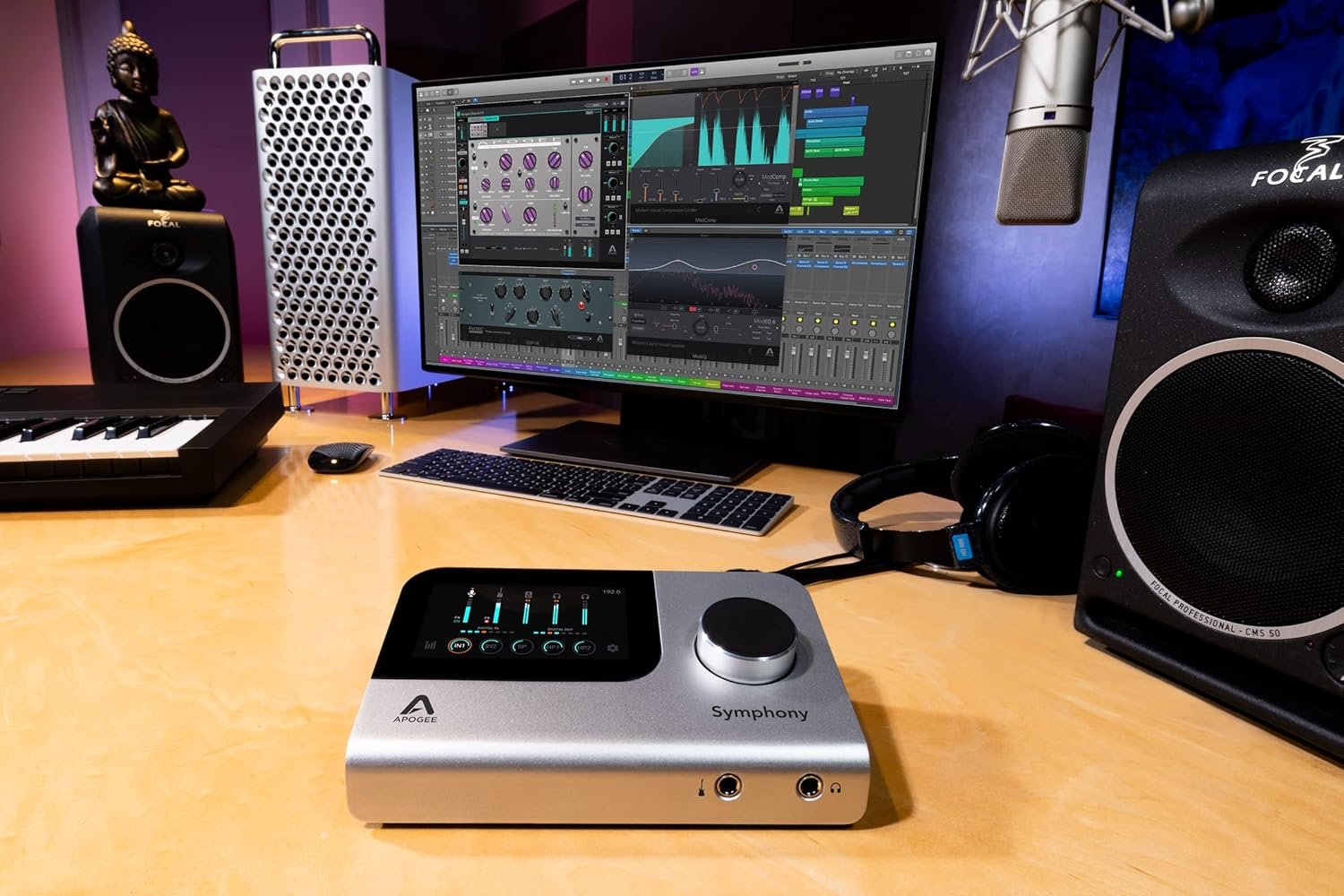
- Simplified Setup, Flagship Sound: Enjoy the simplicity of setup with the Symphony Desktop while benefiting from its flagship sound quality. This interface is designed to seamlessly integrate into your studio environment, offering professional-grade audio performance without the complexity of a rack-mount setup, making it ideal for home studios and portable setups.
- Creative Flexibility with DualPath Monitoring: DualPath Monitoring enables you to choose between printing plugin effects during recording or monitoring them while preserving the raw take. Additionally, the ability to save and recall presets of your favorite plugin chains enhances creative flexibility.


Dark –
Mejor de lo que esperaba
Necesitaba actualizar targeta de sonónido , después de mucho mirar me decidà por apogee , me arriesgué y mi sensaciones y pruebas en estas semanas an sido exquisitas y sorprendentes , no me arrepiento para nada a sido un dinero muy bien invertido .
nickakathatguy –
Incredible sound, fantastic functionality.
This unit has by far the highest quality audio that I’ve experienced from a desktop interface.Its night and day when compared to other offerings. Absolutely amazing!I recently returned the Universal Audio Apollo X4 gen 2 due to Thunderbolt issued on Windows 11 (crackling, stuttering, even BSOD) & I was genuinely disappointed that I wouldn’t be able to have the “latest and greatest” sound for by audio workstation…Well, this unit absolutely outshines the competition by MILES.The Apogee Symphony desktop is a worthwhile investment for those looking for similar functionality as the UAD dsp ecosystem, but with higher quality preamps, better drivers (Windows), more intuitive software, as well as dsp control straight from the touchscreen on the unit itself, no software necessary!Excellent work, Apogee!
Quark –
Excelente Producto
Además de la funcionalidad nativa de esta nueva interfaz de Apogee, pude enlazarla con mi interfaz Ensemble 18 Firewire, logrando asà una combinación muy potente de entradas y salidas con ambas tecnologÃas de Pre-Amps y con la calidad de Audio Apogee. Muy plug and play, eso también tiene un valor importante.
Tae Koara –
Expensive but worth it
Began home recording over 30 years ago on multitrack tape. Taught college classes in digital audio recording for past 20 years. Been using another pro-level brand desktop interface for the past 10 years, but was always bothered by a ‘covered’ midrange that needed processing to bring out life and sparkle. Decided to take a look at what else was out there – wow, lots of options now! I’m SO glad I decided on the Apogee Symphony Desktop.Yes it’s pricey, but wow, what a difference. The included DSP preamps run from pristine and clean, to saturated and gritty. The Bob Clearmontain ECS (eq, compressor, saturation) Channel Strip makes it easy to quickly tune in settings for monitoring while recording – which can be printed, if you choose. The Dual Path set up which allows you to control everything directly from the DAW is a great convenience, but requires purchase of native versions of the DSP plugs. This extra expense (if you can’t live without the Dual Path feature) is the only reason for the points taken off for Value for the Money. The only thing lacking is a reverb/delay DSP module for monitoring; you have to leave the Apogee control module and set that up in the DAW – a native Clearmountain Spaces reverb plugin is included. Puts a blip in the workflow and requires software monitoring in the DAW.I’m keeping my other interface connected for access to its plugins, but the Apogee Symphony is what I’ll be using for recording from now on.
jsnn42 –
Piece of junk!
Piece of junk! Wouldn’t even turn on. I followed all of the installation instructions to a T. Support also wasn’t even accessible to troubleshoot. Avoid this company.
Dark –
Mejor de lo que esperaba
Necesitaba actualizar targeta de sonónido , después de mucho mirar me decidà por apogee , me arriesgué y mi sensaciones y pruebas en estas semanas an sido exquisitas y sorprendentes , no me arrepiento para nada a sido un dinero muy bien invertido .
nickakathatguy –
Incredible sound, fantastic functionality.
This unit has by far the highest quality audio that I’ve experienced from a desktop interface.Its night and day when compared to other offerings. Absolutely amazing!I recently returned the Universal Audio Apollo X4 gen 2 due to Thunderbolt issued on Windows 11 (crackling, stuttering, even BSOD) & I was genuinely disappointed that I wouldn’t be able to have the “latest and greatest” sound for by audio workstation…Well, this unit absolutely outshines the competition by MILES.The Apogee Symphony desktop is a worthwhile investment for those looking for similar functionality as the UAD dsp ecosystem, but with higher quality preamps, better drivers (Windows), more intuitive software, as well as dsp control straight from the touchscreen on the unit itself, no software necessary!Excellent work, Apogee!
Quark –
Excelente Producto
Además de la funcionalidad nativa de esta nueva interfaz de Apogee, pude enlazarla con mi interfaz Ensemble 18 Firewire, logrando asà una combinación muy potente de entradas y salidas con ambas tecnologÃas de Pre-Amps y con la calidad de Audio Apogee. Muy plug and play, eso también tiene un valor importante.
Tae Koara –
Expensive but worth it
Began home recording over 30 years ago on multitrack tape. Taught college classes in digital audio recording for past 20 years. Been using another pro-level brand desktop interface for the past 10 years, but was always bothered by a ‘covered’ midrange that needed processing to bring out life and sparkle. Decided to take a look at what else was out there – wow, lots of options now! I’m SO glad I decided on the Apogee Symphony Desktop.Yes it’s pricey, but wow, what a difference. The included DSP preamps run from pristine and clean, to saturated and gritty. The Bob Clearmontain ECS (eq, compressor, saturation) Channel Strip makes it easy to quickly tune in settings for monitoring while recording – which can be printed, if you choose. The Dual Path set up which allows you to control everything directly from the DAW is a great convenience, but requires purchase of native versions of the DSP plugs. This extra expense (if you can’t live without the Dual Path feature) is the only reason for the points taken off for Value for the Money. The only thing lacking is a reverb/delay DSP module for monitoring; you have to leave the Apogee control module and set that up in the DAW – a native Clearmountain Spaces reverb plugin is included. Puts a blip in the workflow and requires software monitoring in the DAW.I’m keeping my other interface connected for access to its plugins, but the Apogee Symphony is what I’ll be using for recording from now on.
jsnn42 –
Piece of junk!
Piece of junk! Wouldn’t even turn on. I followed all of the installation instructions to a T. Support also wasn’t even accessible to troubleshoot. Avoid this company.
Dark –
Mejor de lo que esperaba
Necesitaba actualizar targeta de sonónido , después de mucho mirar me decidà por apogee , me arriesgué y mi sensaciones y pruebas en estas semanas an sido exquisitas y sorprendentes , no me arrepiento para nada a sido un dinero muy bien invertido .
nickakathatguy –
Incredible sound, fantastic functionality.
This unit has by far the highest quality audio that I’ve experienced from a desktop interface.Its night and day when compared to other offerings. Absolutely amazing!I recently returned the Universal Audio Apollo X4 gen 2 due to Thunderbolt issued on Windows 11 (crackling, stuttering, even BSOD) & I was genuinely disappointed that I wouldn’t be able to have the “latest and greatest” sound for by audio workstation…Well, this unit absolutely outshines the competition by MILES.The Apogee Symphony desktop is a worthwhile investment for those looking for similar functionality as the UAD dsp ecosystem, but with higher quality preamps, better drivers (Windows), more intuitive software, as well as dsp control straight from the touchscreen on the unit itself, no software necessary!Excellent work, Apogee!
Quark –
Excelente Producto
Además de la funcionalidad nativa de esta nueva interfaz de Apogee, pude enlazarla con mi interfaz Ensemble 18 Firewire, logrando asà una combinación muy potente de entradas y salidas con ambas tecnologÃas de Pre-Amps y con la calidad de Audio Apogee. Muy plug and play, eso también tiene un valor importante.
Tae Koara –
Expensive but worth it
Began home recording over 30 years ago on multitrack tape. Taught college classes in digital audio recording for past 20 years. Been using another pro-level brand desktop interface for the past 10 years, but was always bothered by a ‘covered’ midrange that needed processing to bring out life and sparkle. Decided to take a look at what else was out there – wow, lots of options now! I’m SO glad I decided on the Apogee Symphony Desktop.Yes it’s pricey, but wow, what a difference. The included DSP preamps run from pristine and clean, to saturated and gritty. The Bob Clearmontain ECS (eq, compressor, saturation) Channel Strip makes it easy to quickly tune in settings for monitoring while recording – which can be printed, if you choose. The Dual Path set up which allows you to control everything directly from the DAW is a great convenience, but requires purchase of native versions of the DSP plugs. This extra expense (if you can’t live without the Dual Path feature) is the only reason for the points taken off for Value for the Money. The only thing lacking is a reverb/delay DSP module for monitoring; you have to leave the Apogee control module and set that up in the DAW – a native Clearmountain Spaces reverb plugin is included. Puts a blip in the workflow and requires software monitoring in the DAW.I’m keeping my other interface connected for access to its plugins, but the Apogee Symphony is what I’ll be using for recording from now on.
jsnn42 –
Piece of junk!
Piece of junk! Wouldn’t even turn on. I followed all of the installation instructions to a T. Support also wasn’t even accessible to troubleshoot. Avoid this company.