Shopping Cart (0)
Close

Key to upgrade from Ref 4 Studio Edition to SoundID for Multichannel Digital upgrade key delivered electronically.
Original price was: ₹32,550.₹30,900Current price is: ₹30,900.
In stock
In stock
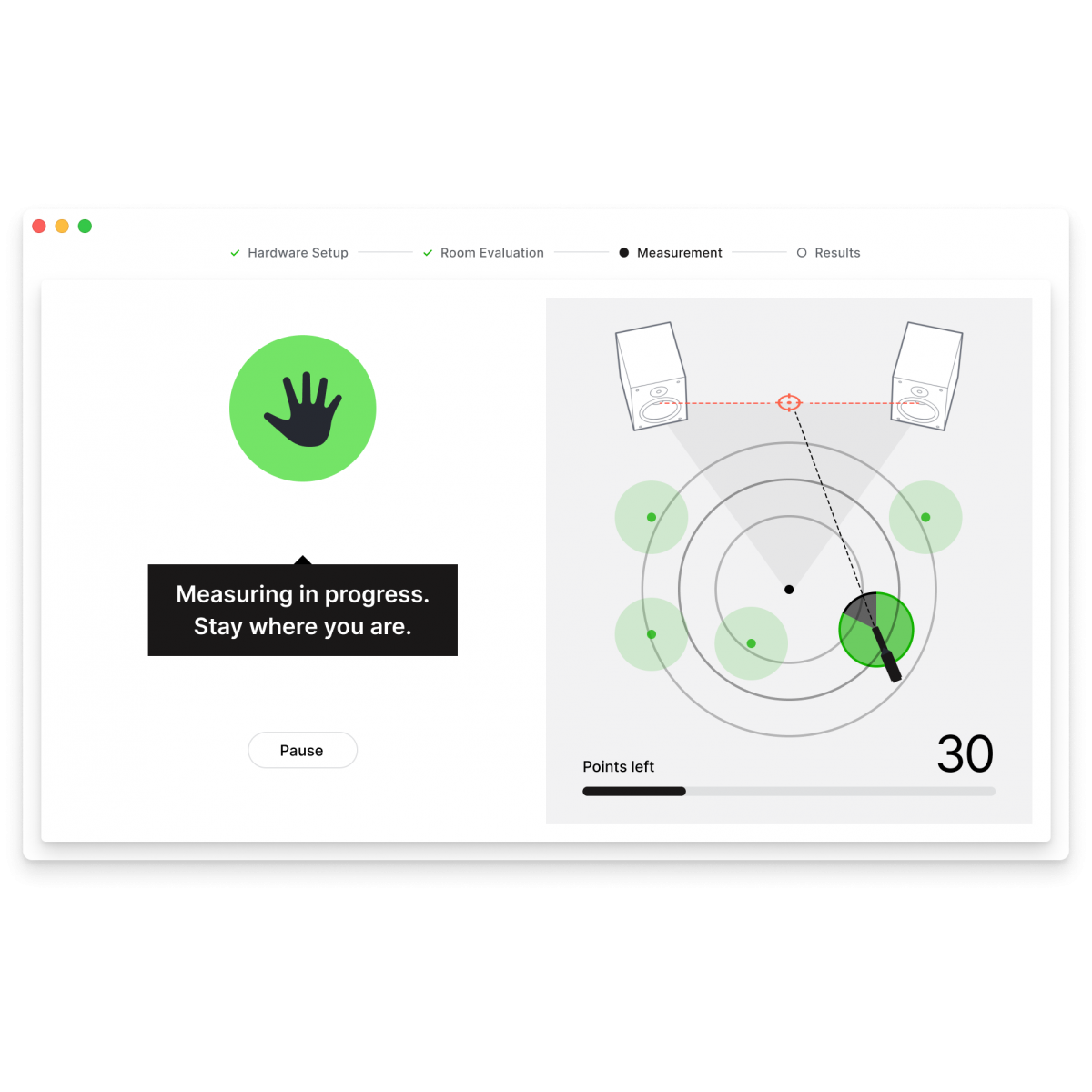
Intuitive speaker calibration software anyone can use to measure and calibrate a multichannel setup
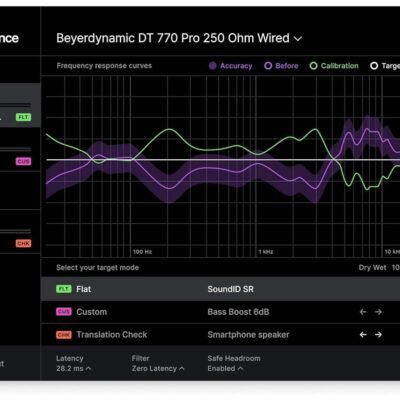
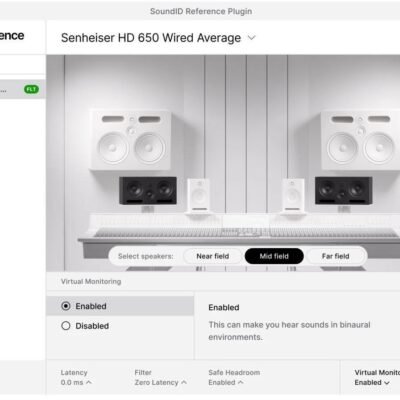
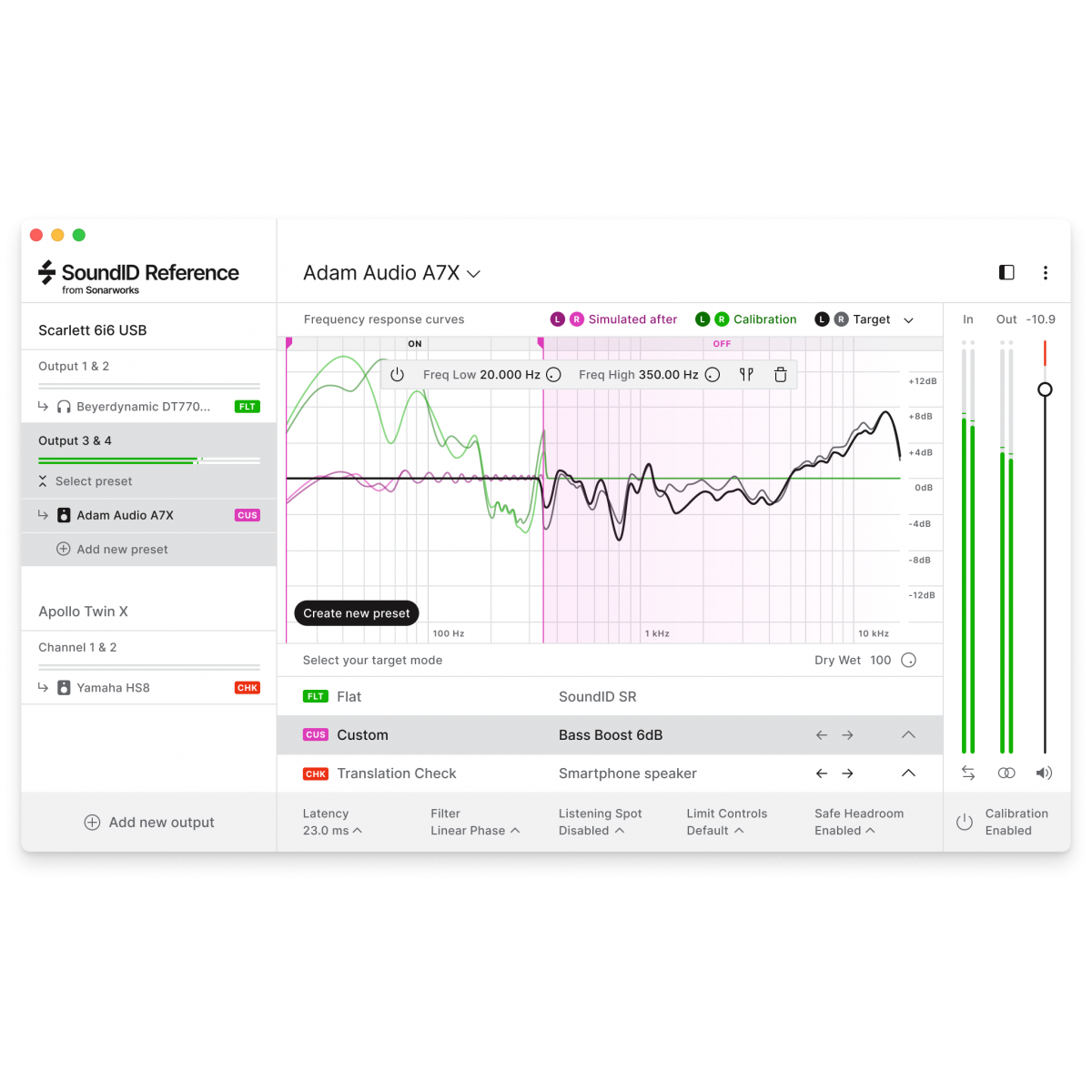
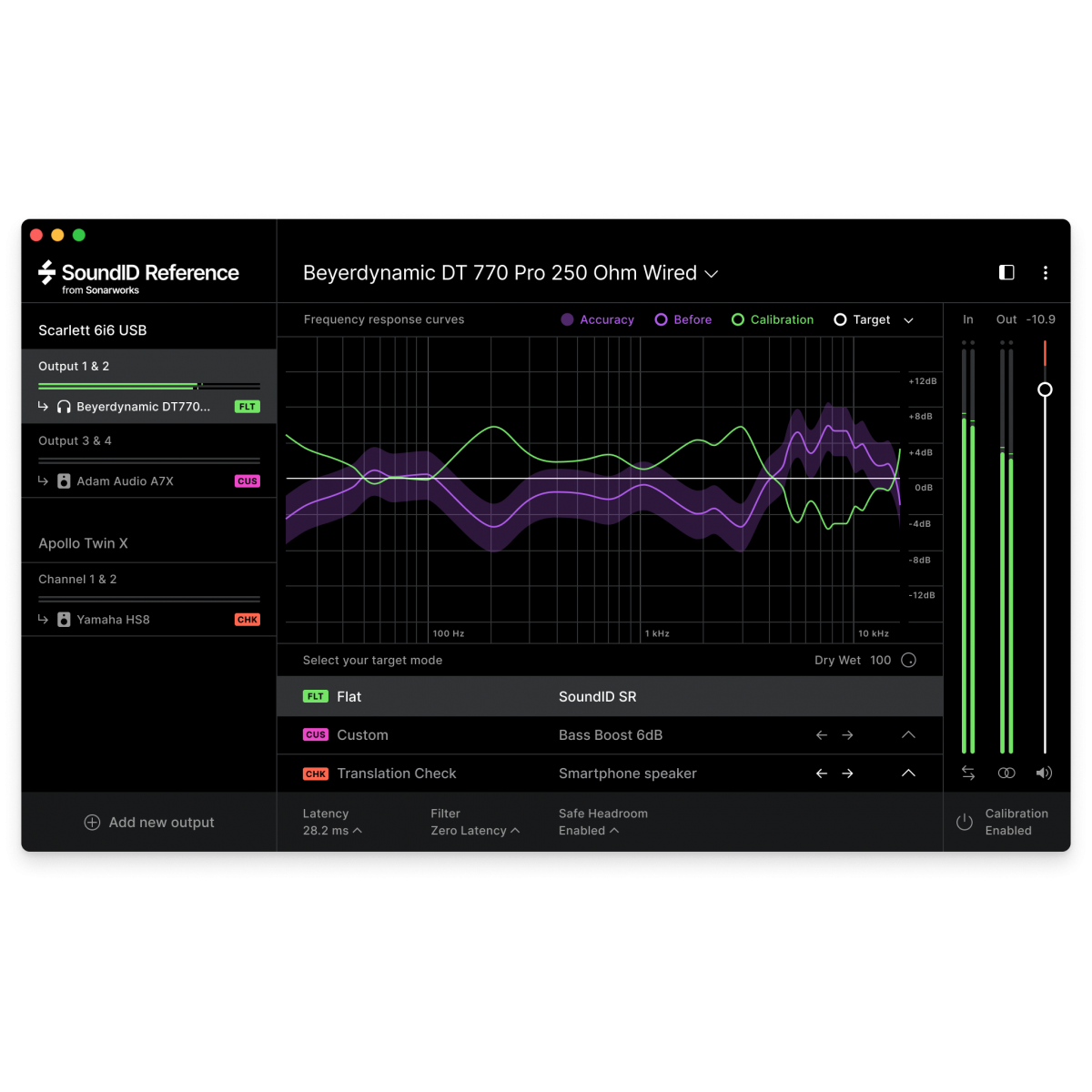
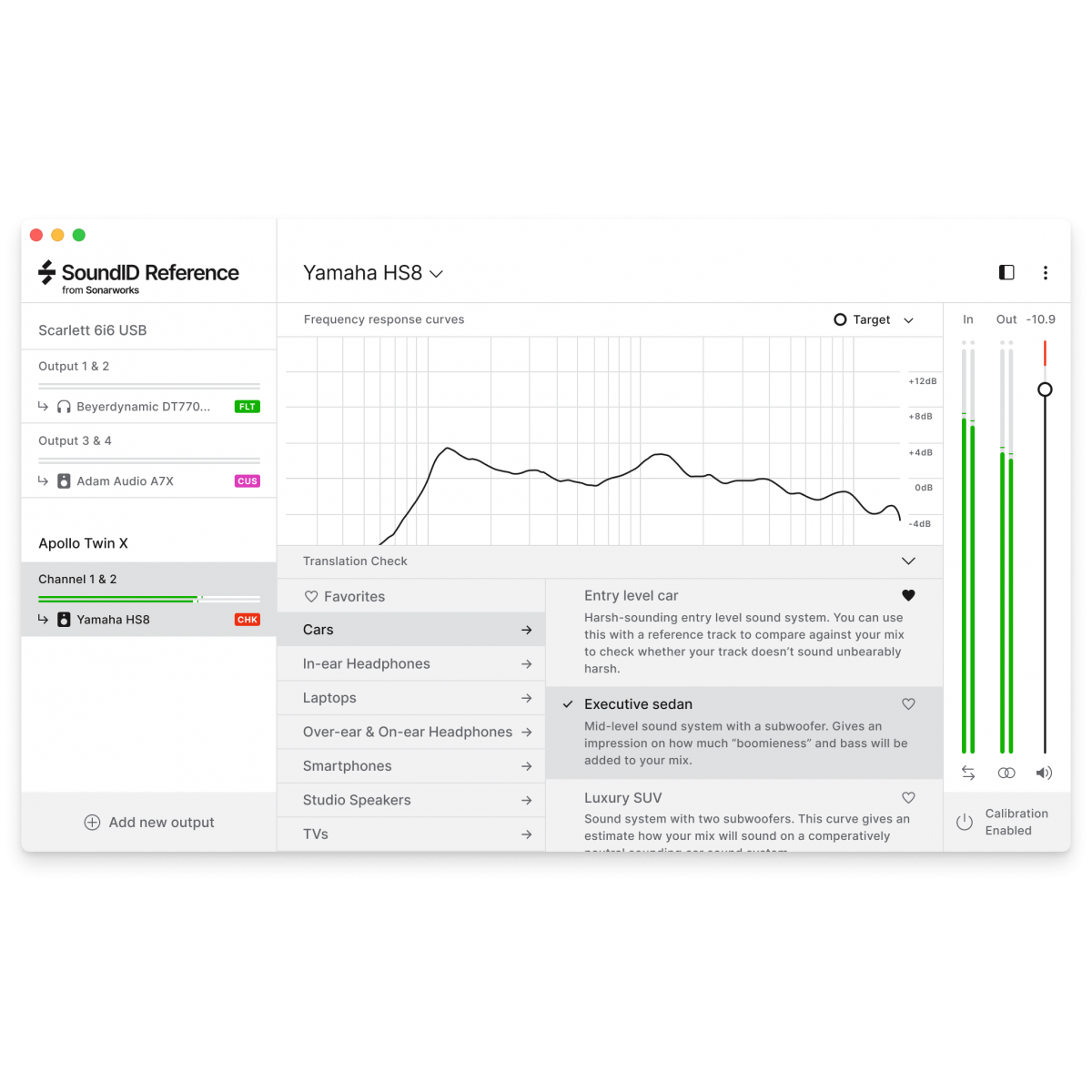
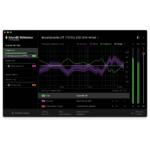
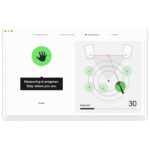
Get this intelligent software that calibrates speaker setups up to 9.1.6 Dolby Atmos to ensure consistent, accurate monitoring in an endless array of production environments. It also offers ready-to-use calibration for more than 400 models of headphones.
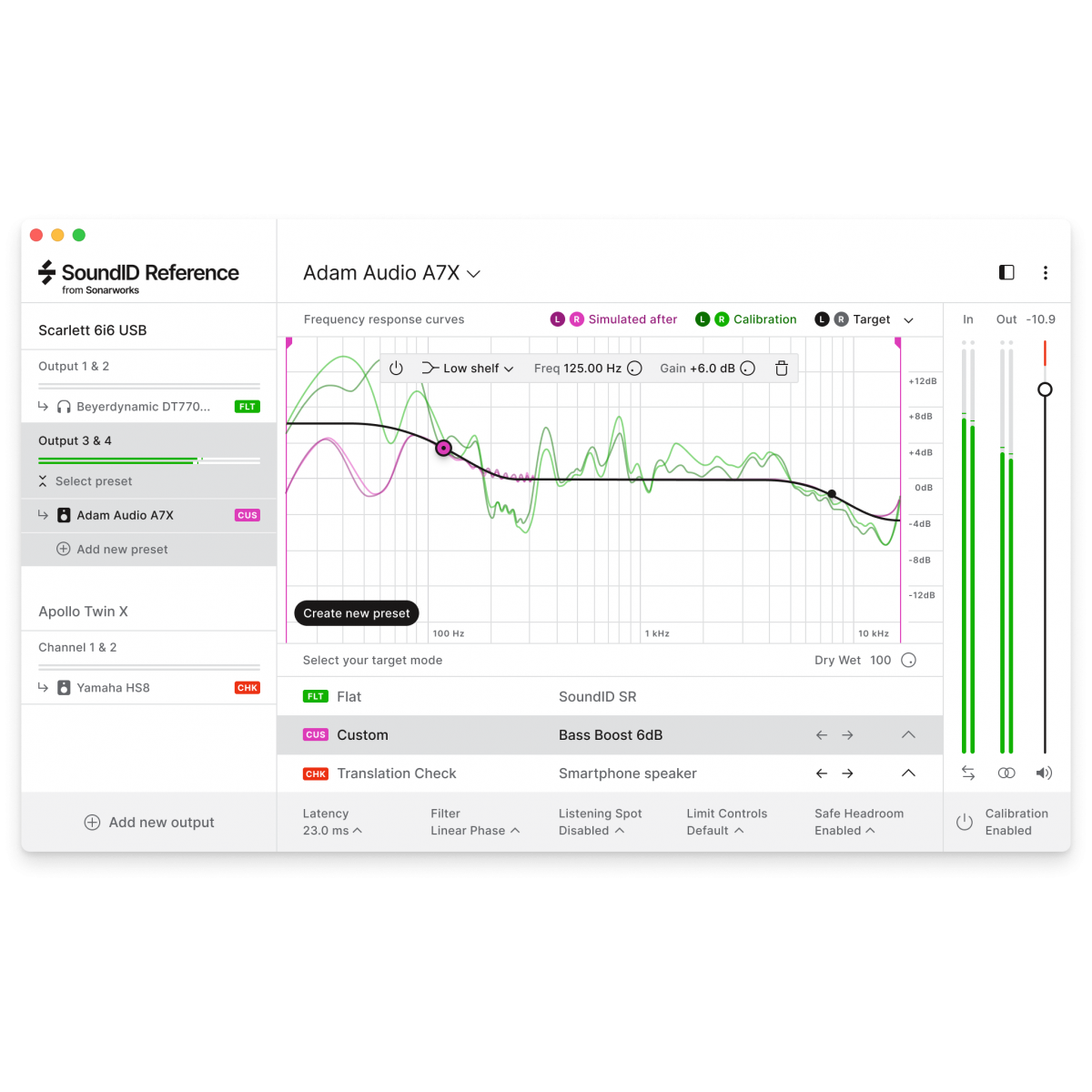
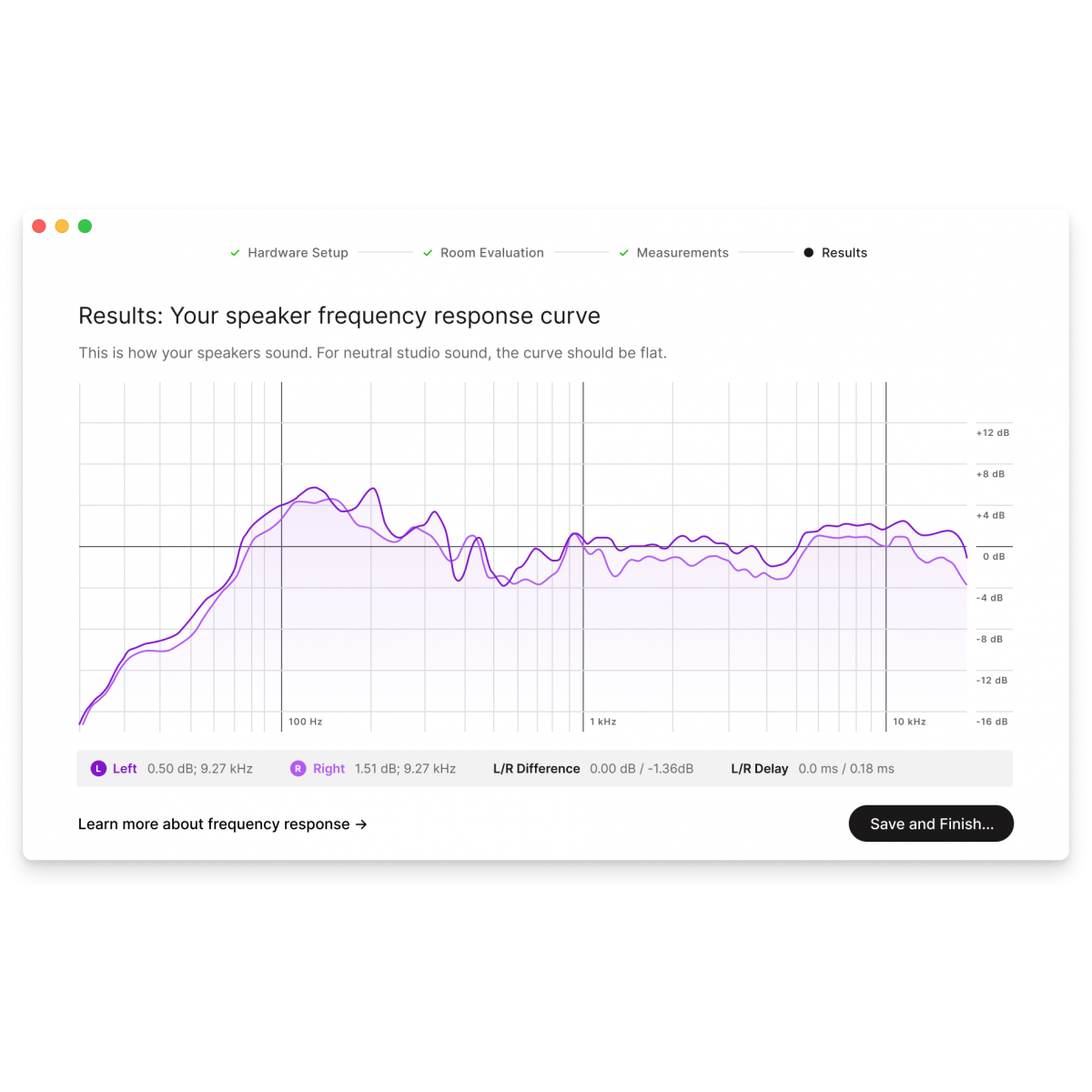
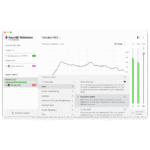
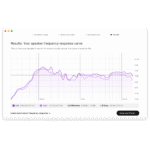
SoundID Reference for Multichannel works by applying a calibration profile to your monitoring output, supplying you with a ruler-flat response across all audible frequencies.
Key Features
In the world of professional audio production, achieving precise and reliable sound calibration is essential for delivering mixes that translate well across all listening environments. If you currently use Sound ID Reference 4 Studio and require a more robust solution tailored for multichannel audio setups, the Sonarworks Upgrade to Sound ID Reference for Multichannel SW5 U4 MD is designed to meet that need. This upgrade empowers audio engineers, producers, and sound designers to calibrate both speakers and headphones with unparalleled accuracy, ensuring your multichannel mixes are faithful to your creative intent.
One of the standout benefits of this software upgrade is its ability to support comprehensive multichannel calibration. Unlike the previous version limited to stereo or basic configurations, Sound ID Reference for Multichannel enables precise tuning across a full surround sound setup. This means that whether you are working in 5.1, 7.1, or other multichannel formats, you can trust that every speaker in your environment is accurately equalized to a flat frequency response. The result is a mixing environment that truly represents your audio content without coloration or bias, translating seamlessly across cinemas, broadcast systems, and immersive audio platforms.
The software operates as a standalone application and integrates with major digital audio workstation formats via AAX, AU, and VST plugins, providing versatility in your workflow. This flexibility means you can calibrate your monitoring system independently or apply calibration corrections directly within your DAW, ensuring consistent reference sound throughout your production process. Additionally, the 64-bit architecture ensures optimal performance and stability on both Mac and PC platforms, supporting macOS 10.14 or later and Windows 10 or later operating systems. This compatibility guarantees that whether you are using an Intel-based Mac or a PC with an Intel Core 2 Duo or AMD Athlon 64 X2 processor and at least 4 GB of RAM, the software will run efficiently without taxing your system resources.
Beyond technical performance, the upgrade process itself is streamlined and accessible. Delivered as a digital download, it eliminates wait times and shipping costs while allowing immediate installation. The price point of ₹30,922, reduced from the regular ₹32,550, offers excellent value for users seeking to expand their calibration capabilities without investing in entirely new software. This upgrade bridges the functionality gap between your current Sound ID Reference 4 Studio and the advanced multichannel calibration environment, making it a cost-effective step forward for serious studios.
In practical terms, this upgrade is ideal for professionals working in post-production houses, recording studios, or any audio environment where multichannel audio accuracy is critical. Whether you are mixing for film, television, gaming, or immersive audio experiences, Sound ID Reference for Multichannel helps you create mixes that maintain their integrity across all playback systems. This means you spend less time second-guessing your monitoring environment and more time focusing on creativity and fine-tuning your sound.
To summarize, the Sonarworks Upgrade from Sound ID Reference 4 Studio to Sound ID Reference for Multichannel SW5 U4 MD is a powerful tool for anyone committed to professional-grade audio calibration. It expands your capabilities to multichannel setups with precise speaker and headphone correction, integrates seamlessly with your existing workflow, and runs efficiently on modern hardware and operating systems. By investing in this upgrade, you are ensuring that your monitoring environment remains a reliable foundation for producing mixes that sound great everywhere. Make the confident choice to upgrade and elevate your audio production to the next level.
| Software Type: | Speaker and Headphone Calibration Software |
|---|---|
| Platform: | Mac, PC |
| Upgrade/Full: | Upgrade |
| Download/Boxed: | Download |
| Format: | Standalone, AAX, AU, VST |
| Bit Depth: | 64-bit |
| Hardware Requirements - Mac: | Intel Core 2 Duo or higher, 4GB RAM minimum |
| Hardware Requirements - PC: | Intel Core 2 Duo / AMD Athlon 64 X2 or higher, 4GB RAM minimum |
| OS Requirements - Mac: | macOS 10.14 or later |
| OS Requirements - PC: | Windows 10 or later |